Travel Adventures: Exploring the World’s Hidden Gems
Facebook Twitter Pinterest Traveling offers a unique opportunity to step outside your comfort zone and explore the world in unforgettable…


A clear presentation, audible speaker or lively performance can quickly lose impact when the equipment is not suited to the room. A projector that is too dim, a microphone that cuts out or speakers placed in the wrong spot can distract guests and create avoidable stress for organisers.
The right event equipment depends on your venue, audience size, event format and content. From meetings and training sessions to product launches, parties and conferences, this guide will help you plan the equipment that supports a smooth and professional event.
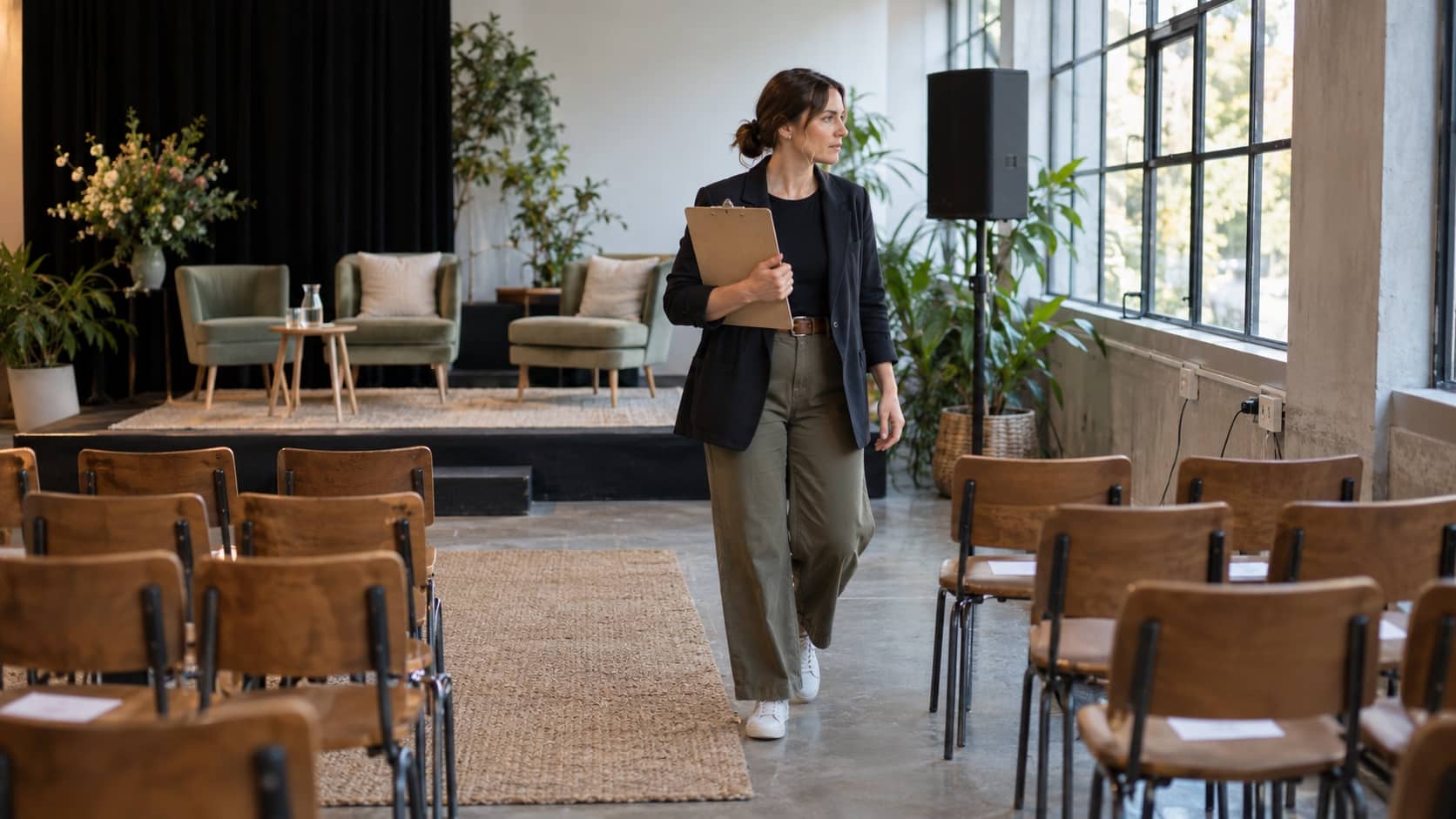
Before selecting any equipment, define what needs to happen during the event. A presentation-led conference needs reliable display equipment and clear audio. A panel discussion may require several microphones. A networking event may only need background music and simple visual signage.
The venue also shapes your equipment needs. Room size, ceiling height, natural light, power access and the location of the audience can all affect what will work well. A bright room may need a more powerful projector than a dim boardroom, while a large open space may require a different sound setup from a smaller enclosed venue.
Create a simple event checklist before booking equipment:
A clear event plan makes it easier to choose equipment that suits the venue and avoids unnecessary hire items.
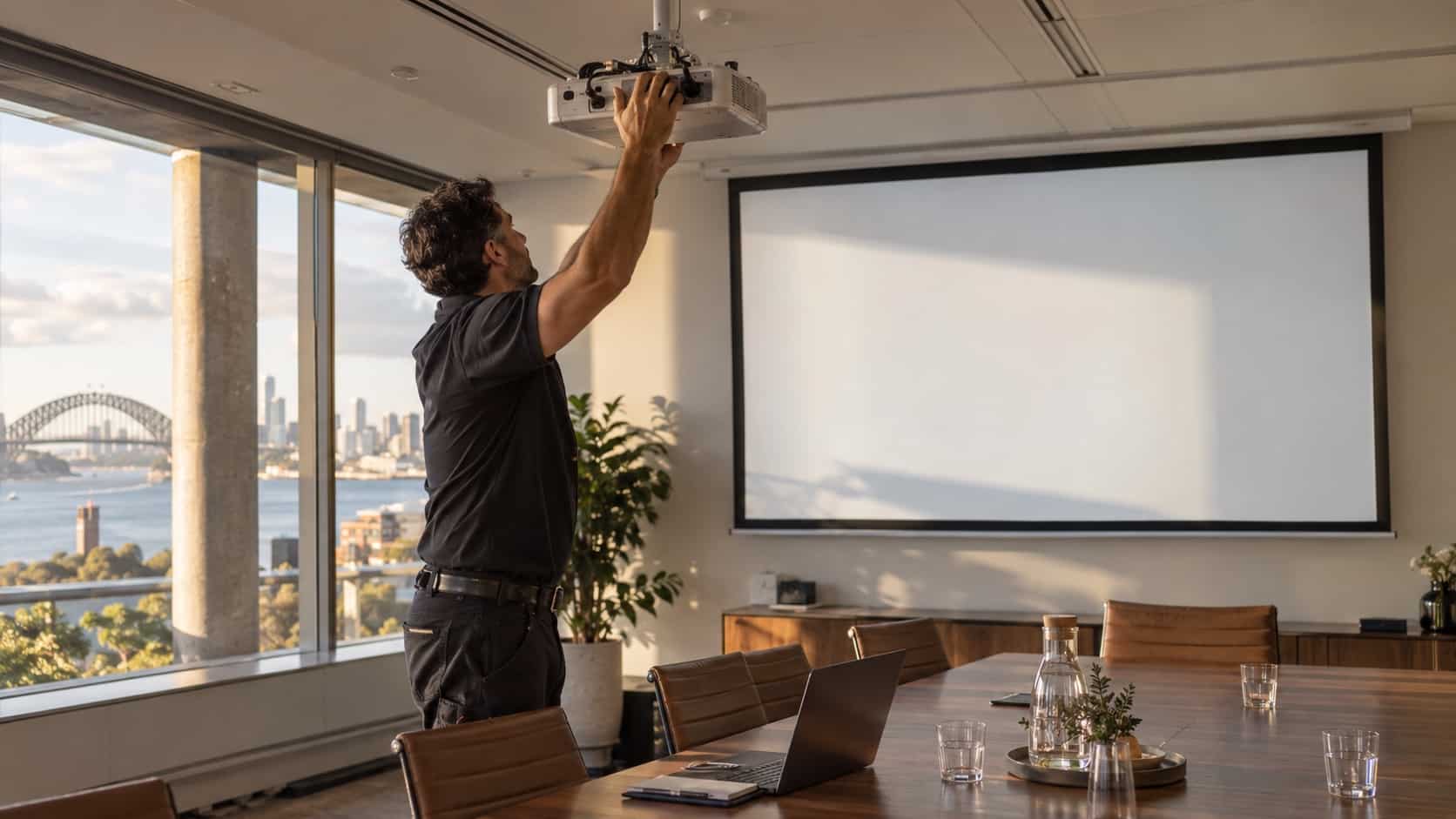
A projector can be a practical choice for slides, videos, branding, training materials and live content. The right projector depends on the size of the image needed, the amount of ambient light and where guests will be seated. A projector that works well for a small meeting may not provide a clear image for a larger audience.
When arranging projector hire in Sydney, think about the source device, screen position and sightlines from every part of the room. Guests should not need to strain to read key text or look around a person standing in front of the projection area.
Check whether the projector needs to display slides, video, live camera footage or a mixture of content. Each use may require a different connection setup, screen size or placement.
You should also confirm whether you need a projector screen, adaptor cables, a presentation clicker or technical support. Testing the setup before guests arrive gives you time to fix connection problems, adjust the image and make sure the content is readable.
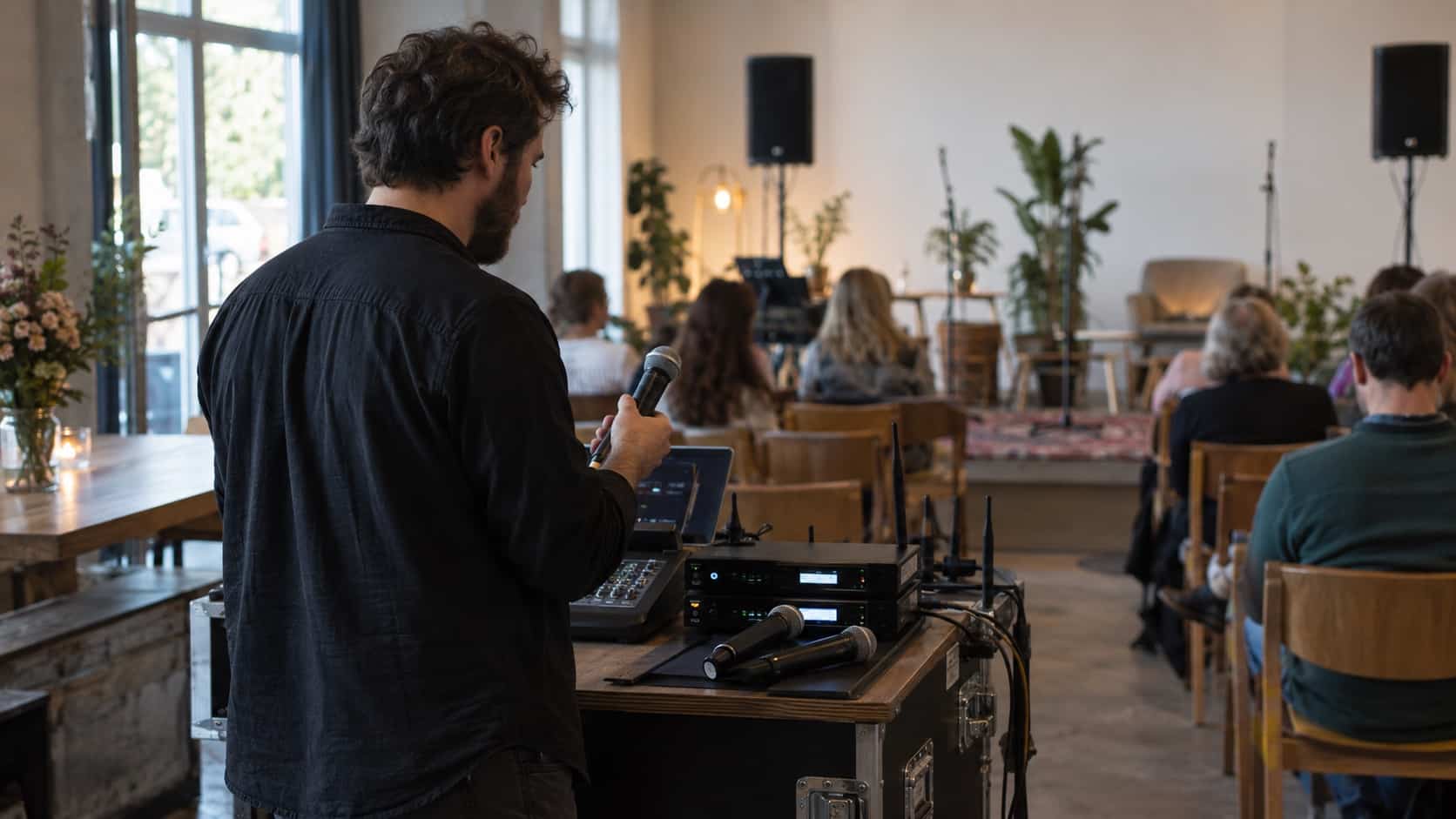
Audio is often the part of an event that guests notice most when it goes wrong. People may tolerate a small delay while a slide is changed, but they can quickly lose focus if they cannot hear the speaker. Clear sound supports audience engagement and helps presenters feel more confident.
For speeches, announcements, panel discussions and music, PA hire in Sydney can provide speakers and related audio equipment suited to the space. The right setup should distribute sound evenly without making it uncomfortably loud for guests near the speakers.
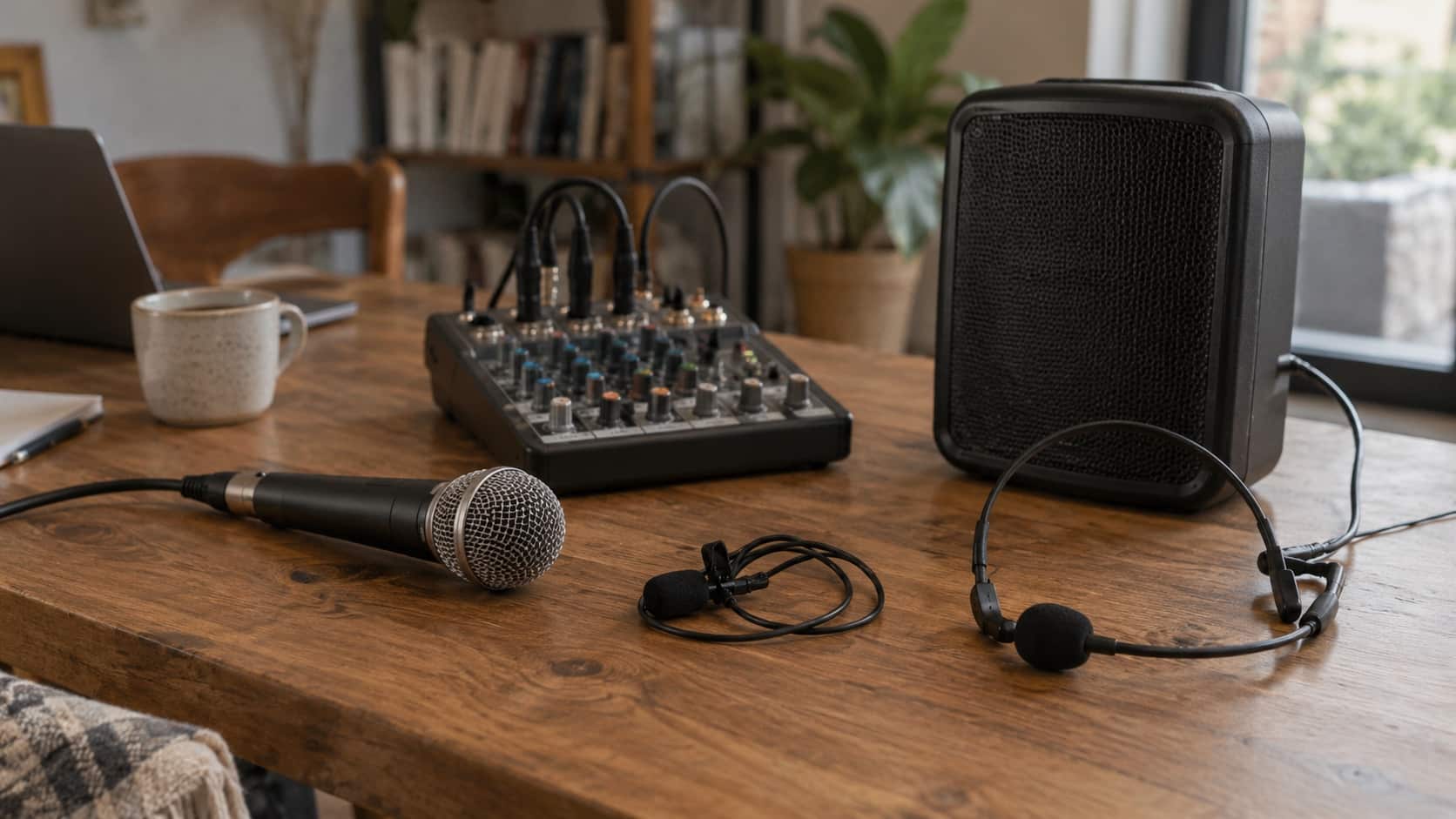
The microphone style should match the event. A handheld microphone can suit question-and-answer sessions and roving presenters. Lapel or headset microphones can suit speakers who need both hands free. Table microphones may be useful for panel discussions or seated presentations.
Speaker placement also matters. Speakers should cover the audience area while staying clear of walkways, entry points and areas where feedback may occur. If video is being shown, test that the audio matches the visuals and can be heard from the back of the room.
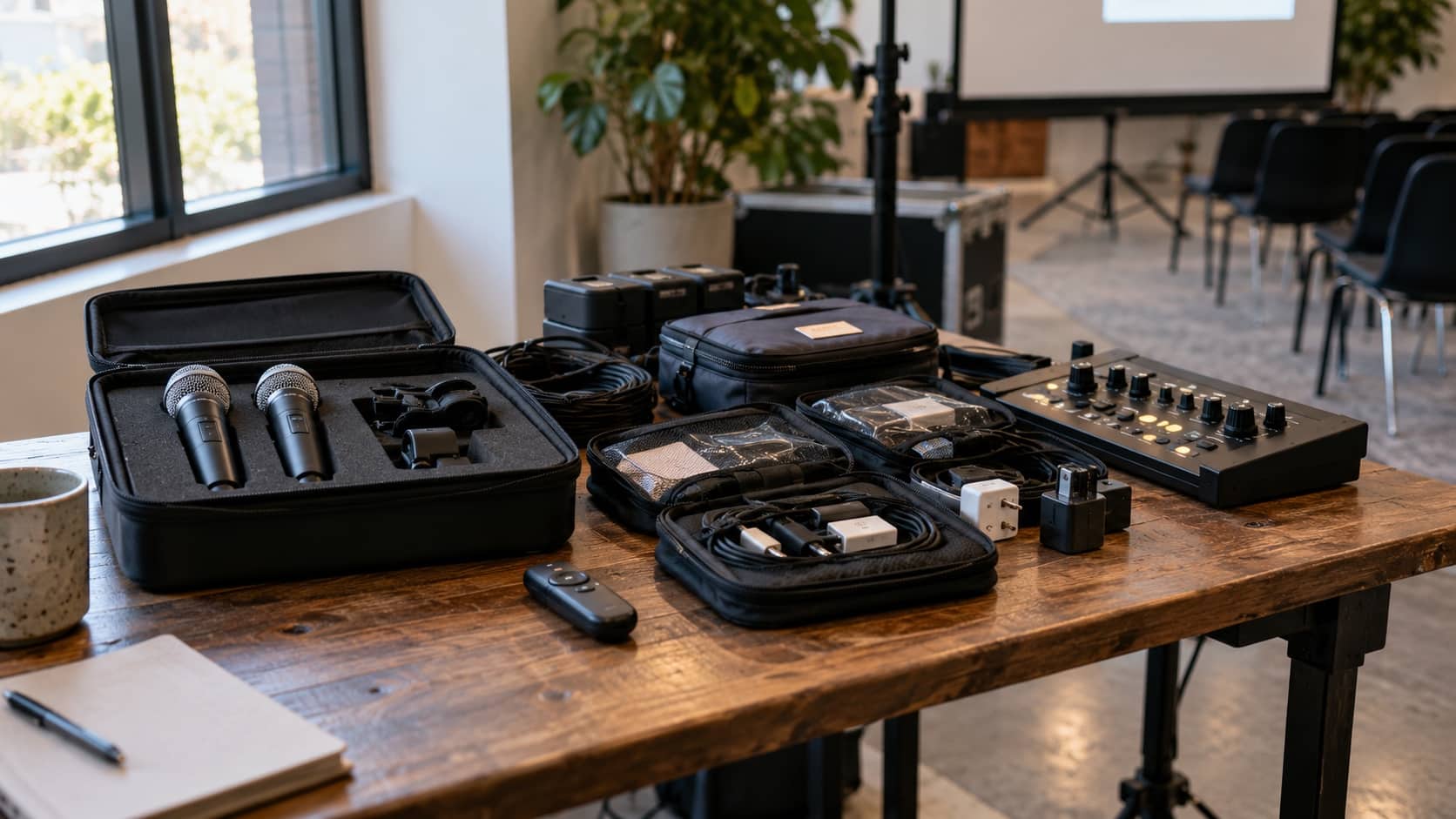
Many events need more than a projector and speakers. The extra equipment depends on the schedule, venue layout and the experience you want guests to have.
A well-planned setup may include:
Each item should have a clear purpose. Hiring extra equipment without a plan can create clutter and make setup harder, while missing a small item such as an adaptor can delay the event.
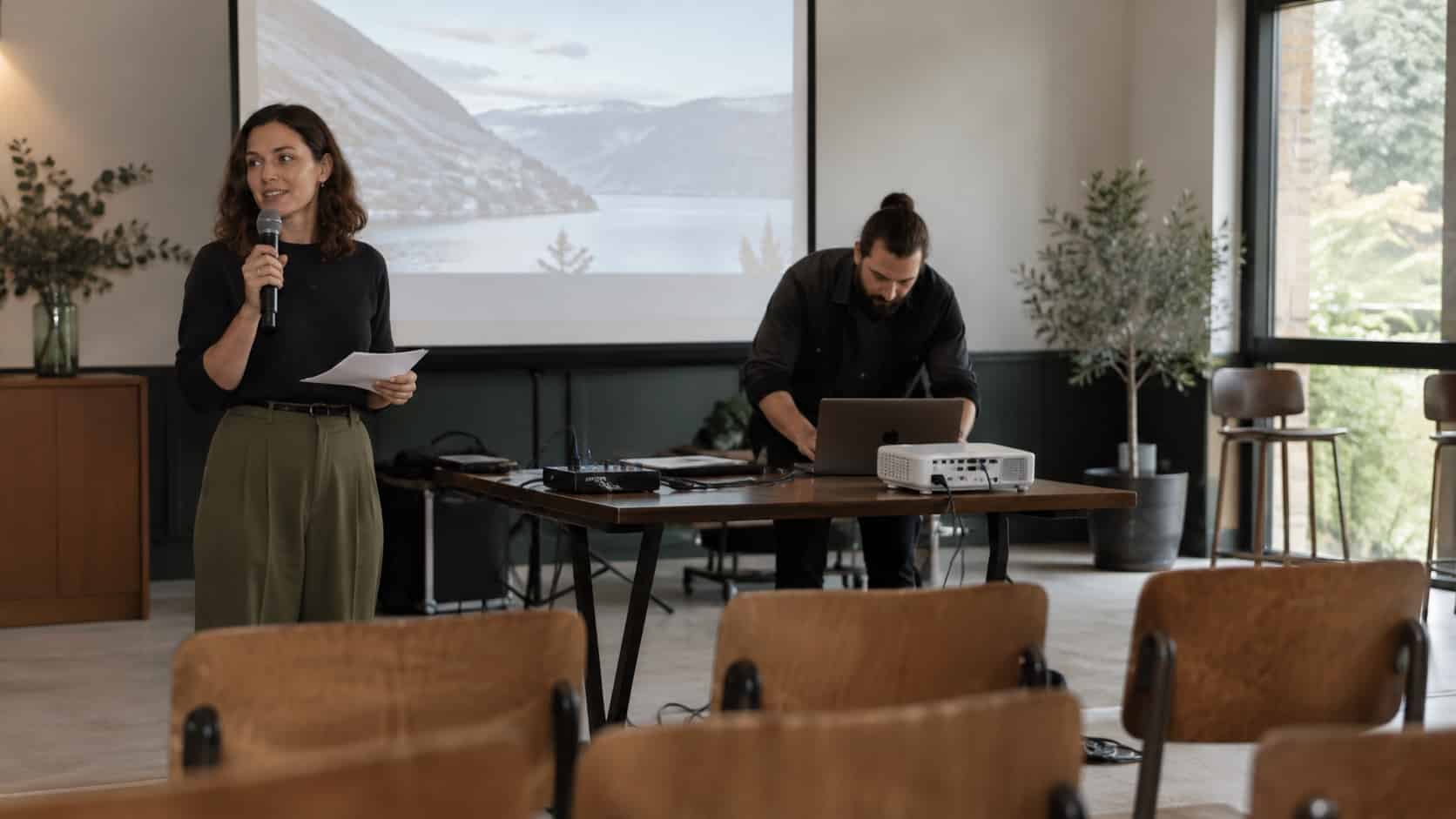
Equipment needs to be set up before the first guest arrives. Leave enough time to position screens, run cables safely, check power access and test each device. This is especially useful when several presenters are using different laptops or when the event includes video and audio playback.
Run through the event program where possible. Test presentation files, microphone levels, video sound and any lighting changes. Ask presenters to check their slides and devices before the event starts, rather than waiting until they are called to the stage.
Watch for common issues such as:
A short technical check can make the event feel far more organised and help avoid interruptions during key moments.
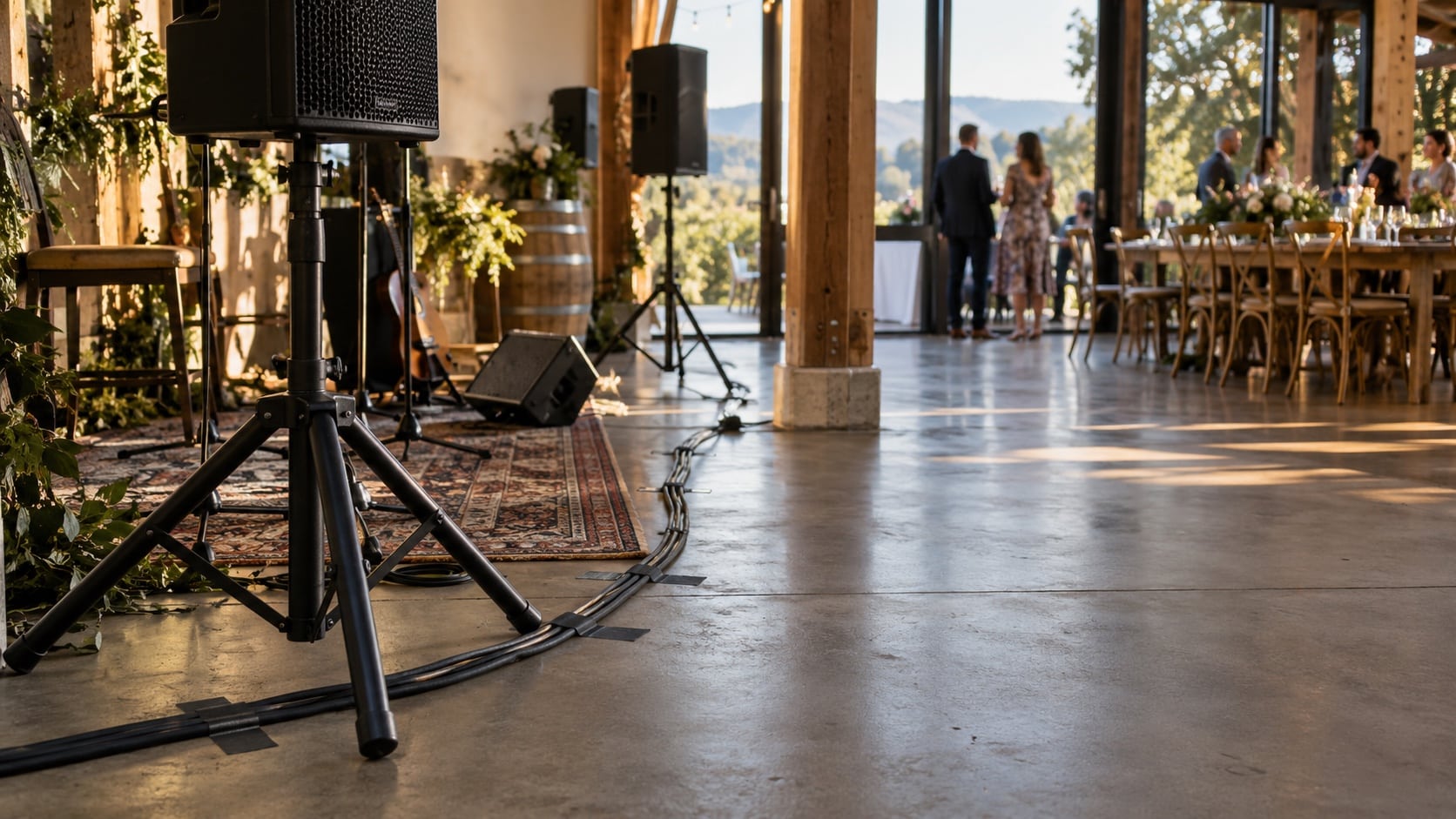
Event equipment needs a safe and practical power plan. Check the number and position of power outlets before confirming the layout. Extension leads, power boards and cables should be placed carefully so they do not create trip hazards for guests, staff or presenters.
Avoid running cables across busy walkways where possible. If cables must cross an access area, they should be managed safely and kept clear of doors, exits and emergency routes. Equipment should also be placed on stable surfaces where it cannot be bumped or knocked over.
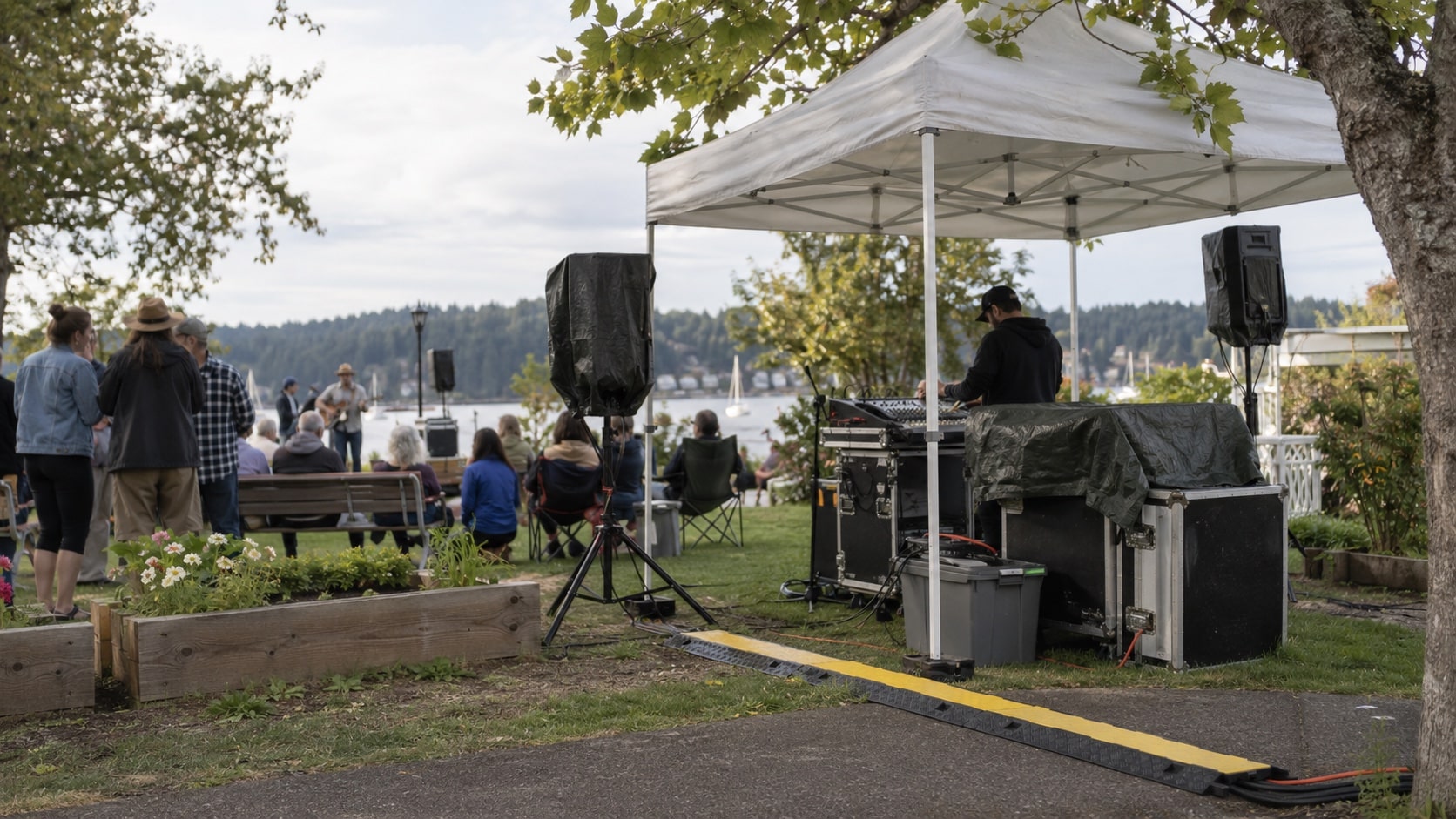
Outdoor events may need extra planning for weather exposure, uneven ground and power access. Discuss the site conditions before the event so the equipment setup can suit the location.
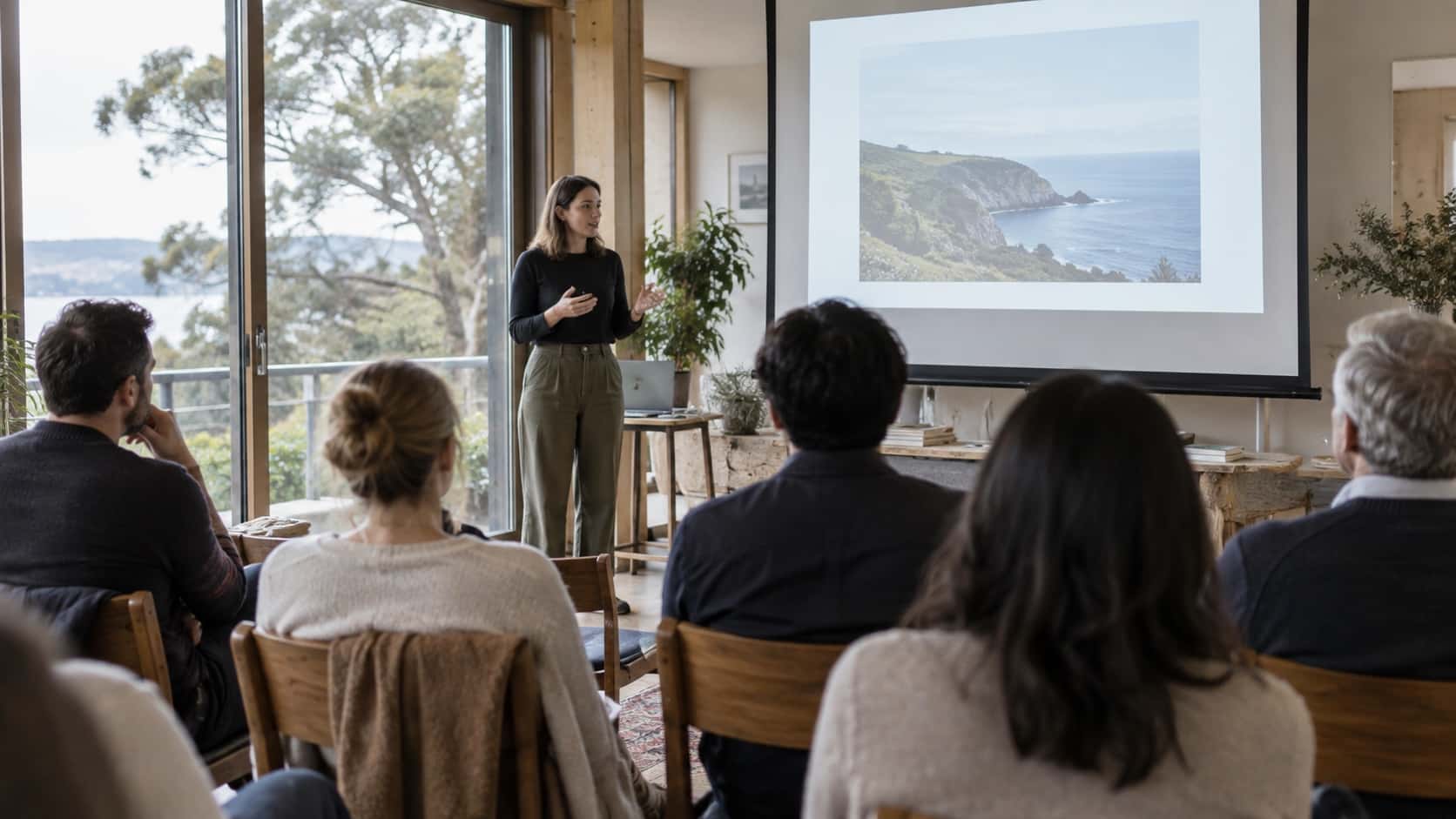
The best event setup is one guests barely notice because everything works as it should. The visuals are easy to see, speakers are easy to hear and presenters can focus on their message rather than the technology.
Start with the event plan, review the venue and hire equipment that suits the audience and content. If you are unsure what your event needs, speak with an AV hire specialist early so the setup can be planned before the event day.
Projector hire Sydney may include the projector itself and can also involve a screen, cables, adaptors or other equipment depending on the hire arrangement. The items you need will depend on your venue, the device being connected and the size of the audience. Before booking, confirm what is supplied and whether you need a screen, audio equipment or technical assistance.
Choose a projector based on the room size, lighting conditions, viewing distance and type of content you will show. A bright venue may need a projector that produces a clearer image in ambient light. You should also check that it is compatible with the presenter’s device. Planning projector hire Sydney early allows time to confirm screens, cables and placement.
A screen is often useful because it provides a clean, consistent surface for presentations, video and branding. Whether you need one depends on the wall surface, room layout and desired image size. A blank wall may not always produce a clear result. Discuss the venue details when arranging projector hire Sydney so the display setup suits the space.
Yes, a projector can be used for daytime events, but natural light can affect image clarity. Window coverings, screen placement and the selected projector all influence how visible the content will be. Visit the venue or review photos before finalising projector hire Sydney. This helps identify whether the setup needs a brighter projector, repositioned screen or reduced ambient light.
Before the event begins, test the projector connection, image focus, screen position and sound if you are showing video. Open the exact presentation files that will be used and check that text is readable from the back of the room. For projector hire Sydney, also confirm that adaptors, cables and power access are ready before guests or presenters arrive.