How to Go Viral in 2025: Proven Tips for Instant Online Success
Facebook Twitter Pinterest Going viral in 2025 is more than luck; it’s about understanding what really makes people stop, watch, and share…


In today’s visually-driven world, a captivating image can speak volumes. Whether you’re a budding photographer, a social media enthusiast, or simply someone who loves capturing life’s moments, the power to transform an ordinary snapshot into a stunning masterpiece is now at your fingertips. Gone are the days when sophisticated photo editing required expensive software and hours of training. Thanks to incredible advancements in mobile technology, a universe of creative possibilities resides within the palm of your hand. This ultimate guide will introduce you to the 10 photo editing apps that are revolutionizing how we interact with our images, empowering you to unleash your creativity and make every picture perfect. Get ready to elevate your visual storytelling!
The sheer volume of photos we take daily is staggering. From spontaneous selfies to breathtaking landscapes, our camera rolls are bursting with memories. But often, these raw captures need a little polish to truly shine. That’s where a great photo editing app comes in. It can correct lighting, enhance colors, remove imperfections, and even completely change the mood of a photo. Imagine turning a dull, overcast sky into a dramatic backdrop or making a portrait pop with vibrant clarity. These apps aren’t just about technical corrections; they’re about artistic expression, allowing you to imbue your personal style into every pixel. Let’s dive into the essential features that set the best photo editing apps apart and then unveil our top picks!

Before we explore our top 10, it’s helpful to understand what truly defines an outstanding photo editing application. While each app has its unique strengths, a few core elements are universally present in the best of the best:
Now, let’s explore the applications that truly stand out in the crowded digital landscape, ready to transform your photographic vision into reality!
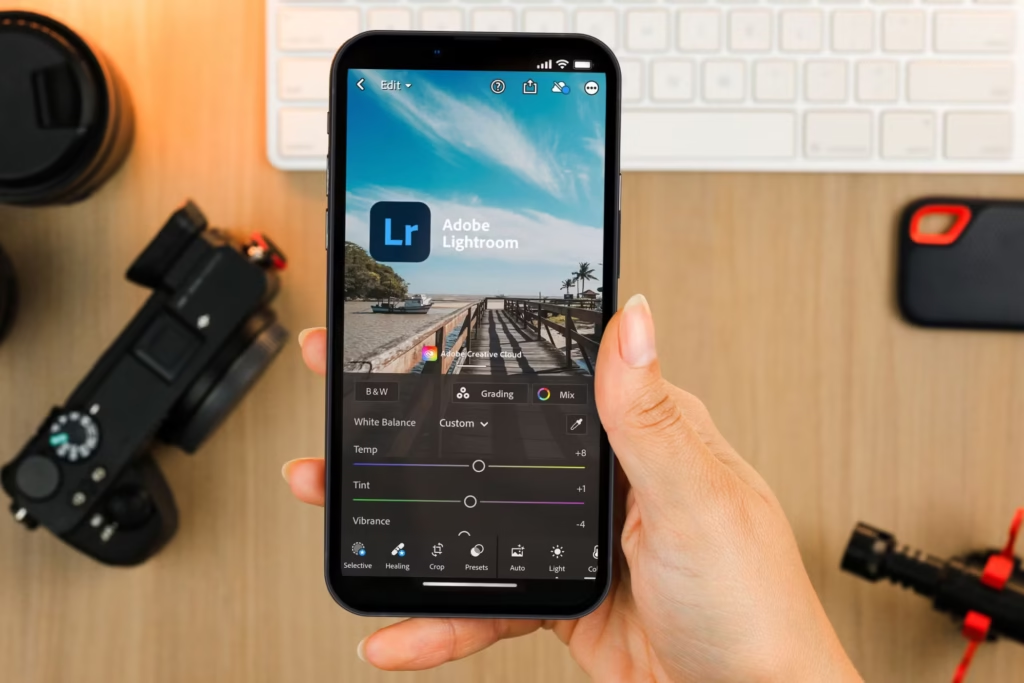
When it comes to professional-grade photo editing on the go, Adobe Lightroom Mobile stands as an undisputed champion. This app brings the power of its desktop counterpart to your smartphone or tablet, offering an unparalleled suite of tools for both organization and detailed image manipulation. It’s perfect for photographers who demand precision and control, whether they’re shooting in RAW or JPEG. Lightroom Mobile excels at non-destructive editing, meaning your original image is always preserved, allowing you to experiment freely without fear.
Users can fine-tune every aspect of an image, from granular exposure and contrast adjustments to sophisticated color grading with HSL sliders and split toning. Its powerful healing brush can remove unwanted objects, while geometric tools correct perspective and distortion, making it ideal for everything from stunning landscapes to architectural marvels. The app also boasts an impressive array of presets, which act as one-tap filters designed by professional photographers, giving your photos a consistent, polished look. Furthermore, its cloud integration allows for seamless syncing across all your devices, so you can start editing on your phone and pick up right where you left off on your computer. With community presets and tutorials readily available, learning to master Lightroom Mobile is an enriching journey for anyone serious about their photography.
Developed by Google, Snapseed is a powerhouse of photo editing that manages to be both incredibly robust and remarkably user-friendly. It’s completely free, with no hidden costs or in-app purchases, making it an excellent choice for anyone looking for professional results without the financial commitment. Snapseed’s intuitive gesture-based interface is a game-changer, allowing users to make precise adjustments by simply swiping up/down to select a tool and left/right to adjust its intensity.
This app offers a comprehensive set of tools, from basic adjustments like cropping, rotating, and straightening, to more advanced features such as selective adjustments, which allow you to enhance specific areas of your photo with incredible accuracy. Its ‘Tune Image’ tool provides granular control over brightness, contrast, saturation, ambiance, highlights, shadows, and warmth. Snapseed also features a collection of unique tools like ‘Glamour Glow’ for portraits, ‘HDR Scape’ for dramatic landscape effects, and a fantastic ‘Healing’ brush for removing imperfections. The ‘Perspective’ tool is particularly impressive, allowing for precise corrections of skewed lines in architecture or general scenes. Its non-destructive workflow means you can always undo changes or revert to the original, providing a safe space for experimentation. For social media enthusiasts looking to refine their feed or anyone passionate about summer photo dump ideas with a consistent, high-quality look, Snapseed offers an unparalleled experience.
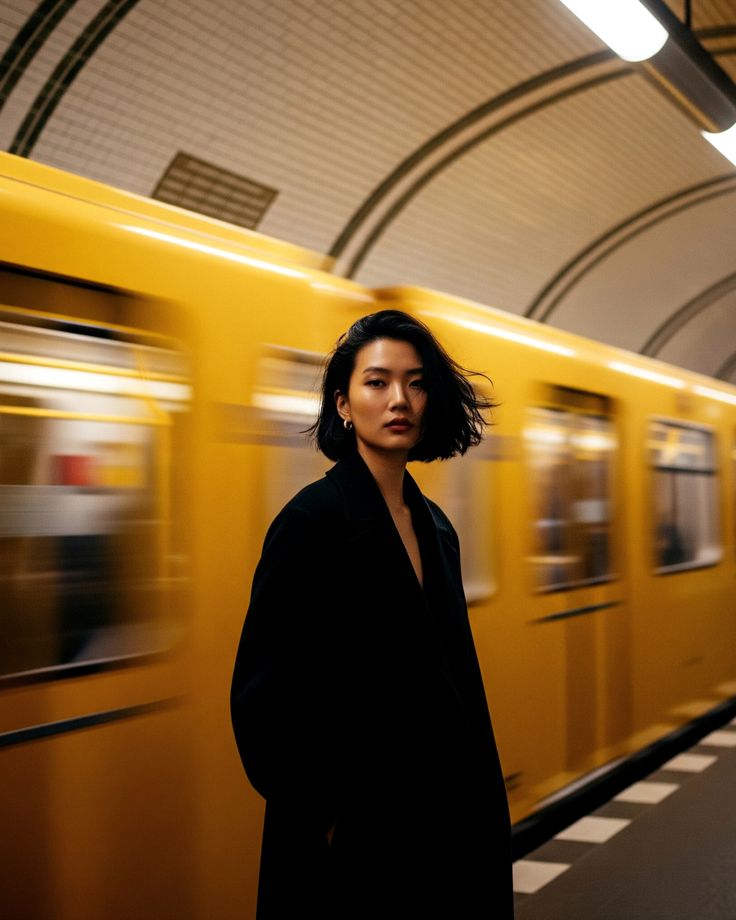
VSCO, pronounced “vis-co,” has carved out a unique niche in the photo editing world, primarily appealing to users who prioritize aesthetic filters and a minimalist, film-like quality in their images. More than just an editing app, VSCO also functions as a community platform where photographers can share their work and discover inspiration. Its strength lies in its extensive library of beautifully curated presets, many of which mimic the look and feel of classic film stocks. These aren’t just your average Instagram filters; they are nuanced, sophisticated presets that can instantly transform the mood and tone of your photos.
Beyond its impressive filter collection, VSCO provides a solid set of editing tools, including exposure, contrast, saturation, and grain adjustments, allowing users to fine-tune their images after applying a preset. It emphasizes subtle enhancements over dramatic alterations, making it a favorite for those seeking a more natural, artistic, and cohesive visual style. The free version offers a decent selection of tools and presets, while a paid VSCO Membership unlocks hundreds of additional presets, advanced editing tools like HSL and split toning, and video editing capabilities. If you’re looking to develop a consistent visual aesthetic, especially for nature photography or a travel blog, VSCO’s intuitive interface and powerful presets make it an indispensable tool for curating a cohesive and aesthetically pleasing gallery.
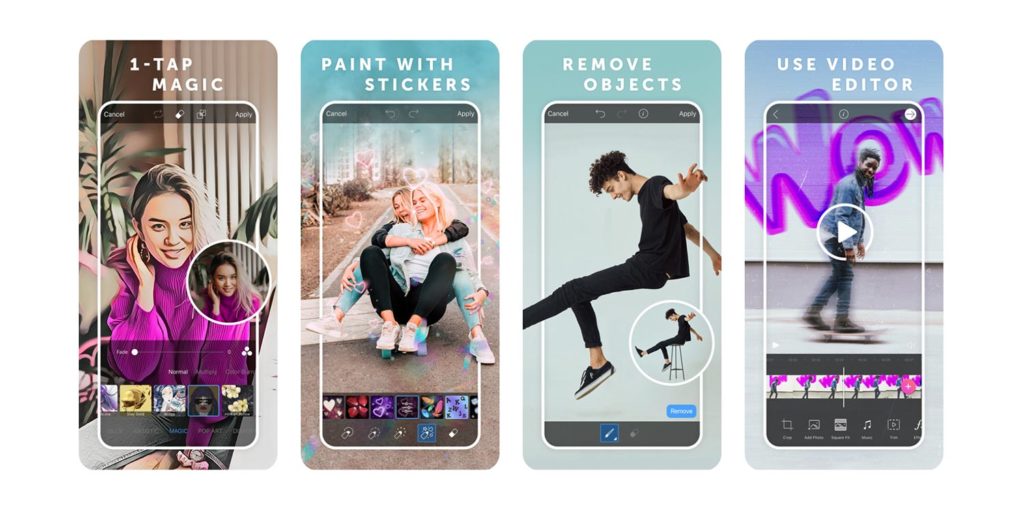
PicsArt is far more than just a photo editor; it’s a creative powerhouse, a true all-in-one studio for photos, videos, and graphic design. With a staggering array of features, PicsArt appeals to users who want to go beyond simple corrections and dive into a world of artistic expression, collages, drawing, and even meme creation. It’s a favorite among a younger demographic and social media content creators who seek vibrant, eye-catching visuals.
The app boasts an incredible selection of filters, effects (like Sketch, Canvas, and HDR), stickers, text overlays, and frames, allowing for virtually limitless customization. Its “Magic Effects” can instantly transform photos into paintings or drawings, while the “Replay” feature lets you apply popular editing styles with a single tap. Advanced tools include background removal, object removal, cloning, and blending modes for creating surreal double exposures. For those who enjoy creating collages, PicsArt offers a multitude of templates and customization options. It even has a drawing tool with customizable brushes, layers, and professional drawing features. While it can be overwhelming due to its sheer number of options, PicsArt empowers users to create highly stylized and unique content, perfect for standing out on platforms like Instagram and TikTok. Its freemium model offers a vast playground, with a subscription unlocking even more assets and an ad-free experience.
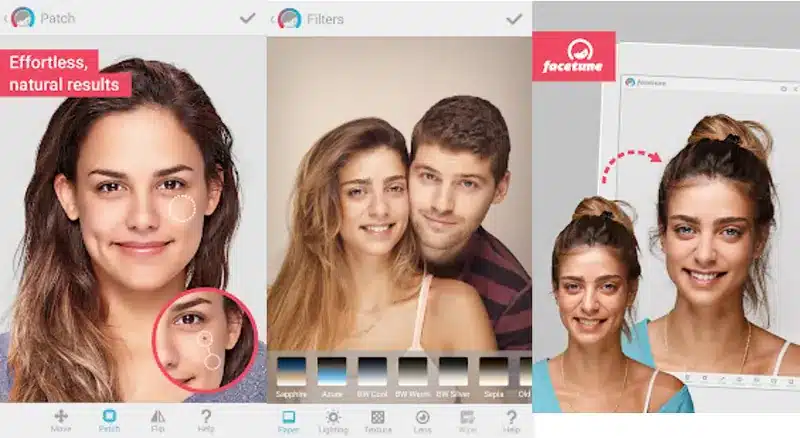
For anyone focused on perfecting portraits and selfies, Facetune2 is an absolute game-changer. This app is dedicated to detailed facial retouching, offering an impressive array of tools that can subtly enhance or dramatically transform a person’s appearance. It’s incredibly popular among influencers, beauty bloggers, and anyone who wants to put their best face forward in photos.
Facetune2 allows users to smooth skin, whiten teeth, brighten eyes, remove blemishes and wrinkles, and even reshape facial features like jaws, noses, and lips with uncanny precision. Its “Relight” feature can adjust lighting on a face, adding flattering shadows or highlights, while the “Defocus” tool can create a beautiful bokeh effect behind your subject. Beyond facial adjustments, you can also change hair color, add makeup, and adjust backgrounds. While the power of Facetune2 lies in its transformative capabilities, its best use often comes from subtle enhancements that make a person look refreshed and confident, rather than artificial. The app offers a free version with core features, with a subscription unlocking its full suite of advanced tools. It’s an essential tool for creating stunning headshots, professional profile pictures, or romantic couples photoshoot ideas that truly capture the essence of a moment.
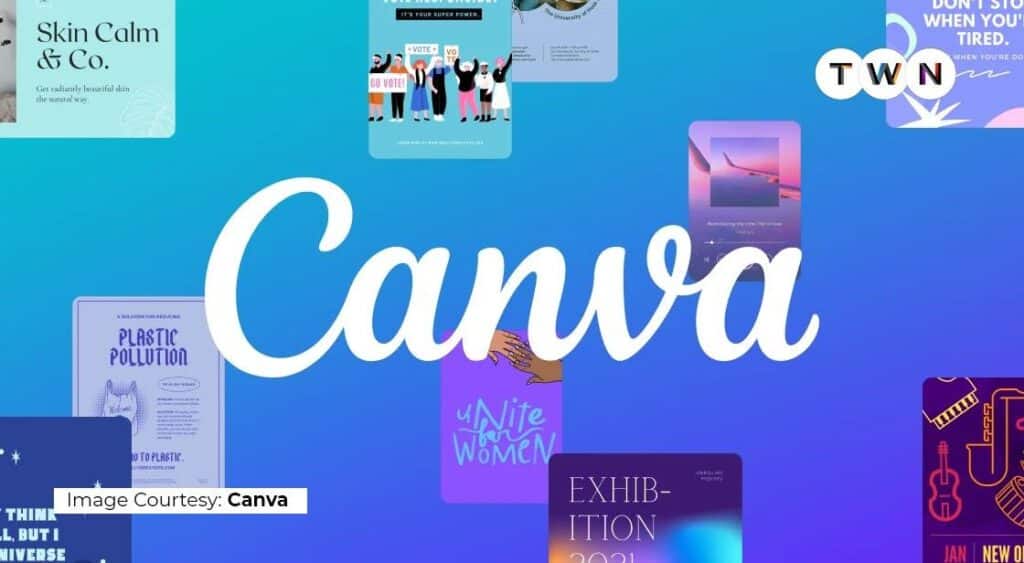
While primarily known as a graphic design platform, Canva has rapidly evolved into a surprisingly capable and widely used tool for photo editing, especially for those creating content for social media, presentations, or marketing materials. It’s an ideal choice for users who need to combine image editing with text, graphics, and layout design in one seamless interface. Canva’s strength lies in its accessibility and its vast library of templates, elements, and stock photos.
You can upload your photos to Canva and utilize its robust set of editing tools, including brightness, contrast, saturation, tint, blur, and vignette. It also offers background remover (for Pro users), various filters, and the ability to crop, flip, and resize images with ease. Where Canva truly shines, however, is in integrating these edited photos into visually appealing designs. Whether you’re creating an Instagram story, a poster, or a professional-looking document, you can add text, shapes, icons, and illustrations to your images. Its intuitive drag-and-drop interface makes complex design tasks simple, even for novices. Canva is available across web, desktop, and mobile, offering a free tier with extensive features and a Pro subscription that unlocks premium assets and functionalities, making it a versatile tool for both personal and professional creative projects.
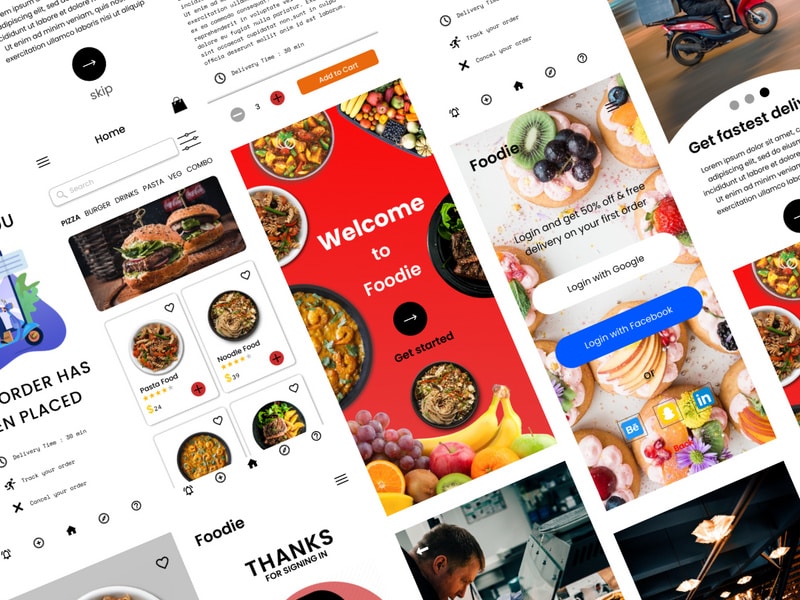
If your camera roll is filled with mouth-watering dishes and culinary creations, then Foodie is the photo editing app you absolutely need. As its name suggests, this app is specifically designed to make food look its absolute best, enhancing colors, textures, and lighting to create delectable visuals. It’s incredibly popular among food bloggers, restaurant owners, and anyone who loves to share their gastronomic adventures.
Foodie’s magic lies in its specialized filters, which are expertly crafted to bring out the vibrancy and appeal of various types of food. From filters that make meat look richer to those that enhance the freshness of salads or the creaminess of desserts, there’s a preset for almost every dish. Beyond filters, the app offers standard editing tools like brightness, contrast, and saturation, but also unique features like a “Soft Focus” for a dreamy background blur, and a “Best Angle” guide that helps you frame your dish perfectly. It even includes a “Torch” feature to illuminate food from an optimal angle. While its focus is narrow, Foodie excels at its job, ensuring your food photos are always appetizing and share-worthy. It’s free to download and use, making it an accessible tool for anyone passionate about capturing beautiful culinary moments, perhaps even for sharing iced coffee aesthetic shots.
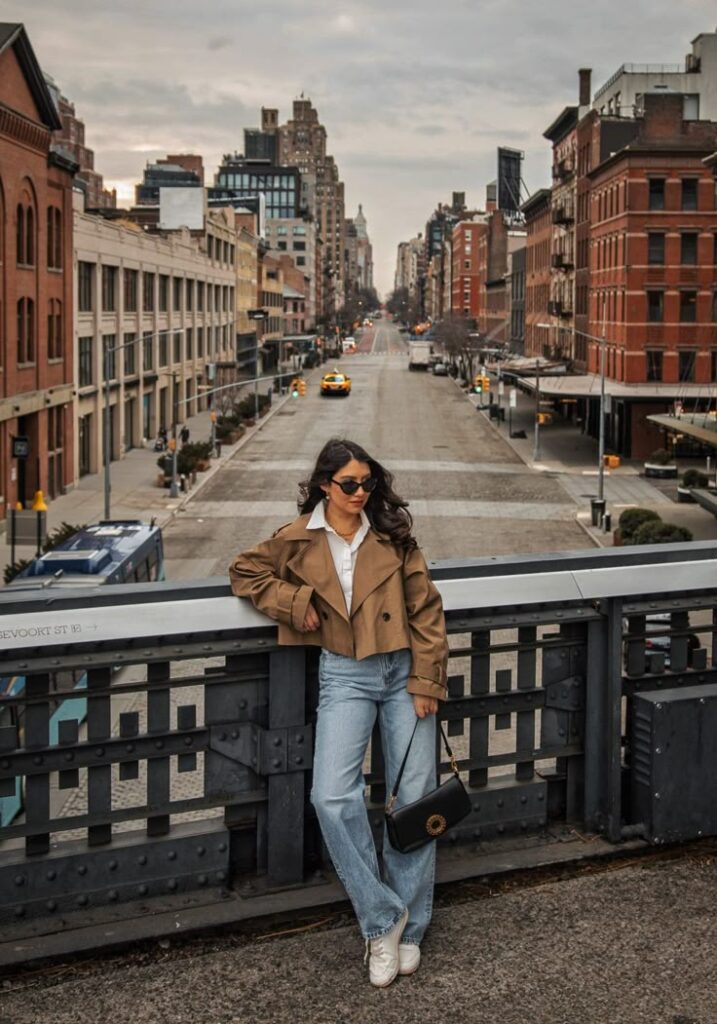
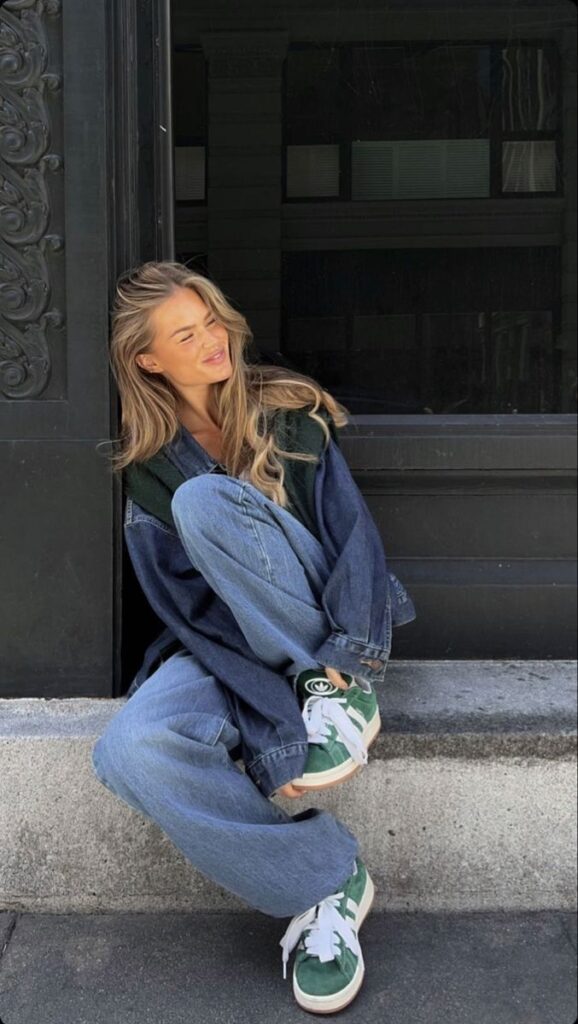
Pixlr is a versatile and powerful web and mobile photo editor that positions itself as an excellent free alternative to more complex software. It offers a fantastic balance between ease of use and advanced functionality, making it suitable for both casual users and those who need more control over their edits. The app is divided into two main versions: Pixlr E (for advanced editing, similar to Photoshop Express) and Pixlr X (for quick and easy edits, similar to a simplified Canva).
On mobile, Pixlr provides a comprehensive suite of editing tools, including adjustments for exposure, color, sharpness, and temperature. It features a wide range of filters, effects, and overlays that can add unique textures, light leaks, or artistic touches to your photos. Users can also utilize tools for red-eye removal, blemish correction, and teeth whitening, making it quite capable for portrait touch-ups. One of Pixlr’s standout features is its collage maker, which offers numerous layouts and customization options for combining multiple images into a single, cohesive design. It also includes creative features like stylized effects, borders, and text tools. With its robust feature set and free availability (though it does include ads and premium features via subscription), Pixlr offers incredible value for anyone looking to refine their photos, create engaging visuals, or even dive into basic graphic design without a steep learning curve.
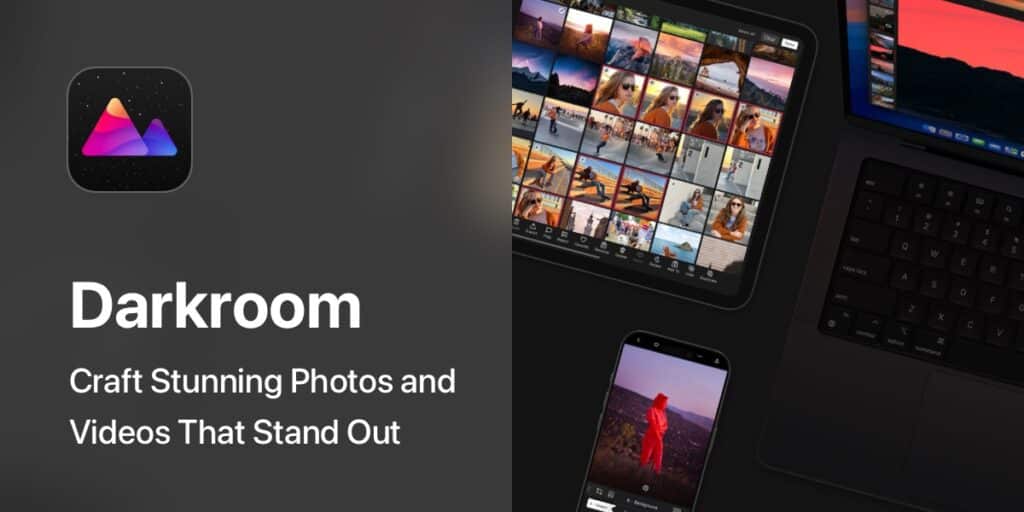
For iOS users who appreciate a sleek interface and powerful, professional-grade tools, Darkroom is an absolute must-have. This app stands out for its exceptional speed, intuitive design, and deep integration with the iOS ecosystem, including full support for RAW files and Live Photos. It offers an experience that feels incredibly native to Apple devices, making it a favorite among iPhone photographers.
Darkroom provides a full suite of non-destructive editing tools, including advanced curve adjustments, HSL controls for precise color manipulation, and selective color tools. Its ‘Frames’ tool allows you to add custom borders, and the ‘Grain’ tool can introduce a beautiful film-like texture. One of its most praised features is batch editing, which allows users to apply edits or presets to multiple photos at once, saving immense time for large photo sets. It also boasts powerful portrait editing capabilities, automatically separating the foreground and background for selective adjustments. Furthermore, Darkroom’s customizable filters and ability to create your own presets mean you can develop a unique and consistent style effortlessly. While the free version offers a solid foundation, a premium subscription unlocks all features, including video editing and access to an even broader range of professional tools, making it a comprehensive choice for serious mobile photographers.

PhotoDirector by CyberLink is a dynamic and versatile photo editing app that beautifully blends professional-grade tools with creative effects and AI-powered features. Available on both iOS and Android, it caters to a wide audience, from casual users looking for quick fixes to more advanced editors who want to experiment with unique visual styles. Its intuitive interface ensures that powerful tools are accessible, not intimidating.
The app offers a comprehensive range of traditional editing tools, including precise adjustments for exposure, contrast, saturation, and white balance. It also features a fantastic object removal tool that can seamlessly erase unwanted elements from your photos, and a sky replacement feature that can dramatically alter the mood of a landscape shot. Where PhotoDirector truly shines, however, is in its creative and AI-driven capabilities. You can animate static photos, create stunning dispersion effects, add light rays, or apply artistic styles with AI filters that transform your images into paintings or cartoons. Its extensive library of stickers, frames, and text options further enhances its creative potential. Whether you’re enhancing nature photography with vibrant colors or creating a fantastical scene, PhotoDirector provides the tools to bring your imagination to life. A freemium model allows users to access many features, with a subscription unlocking premium content, an ad-free experience, and higher resolution exports.
Having the right tools is just the first step. To truly elevate your photography, consider these essential editing principles:
The world of mobile photo editing is more accessible and powerful than ever before. With these 10 incredible photo editing apps, you have the potential to transform your everyday snapshots into breathtaking visual stories. Each app offers a unique blend of tools, features, and creative possibilities, ensuring there’s a perfect match for every skill level and artistic vision.
From the professional precision of Adobe Lightroom Mobile and Snapseed to the artistic flair of PicsArt and the specialized focus of Foodie, your journey into enhanced photography starts now. Don’t let your cherished memories remain unpolished or your creative ideas stay locked away. Dive in, experiment, and discover the joy of bringing your photos to life with a vibrancy and style that is uniquely yours. Download a few, try them out, and prepare to be amazed at what you can achieve. Your photos are waiting to be transformed – go forth and create!
A high-quality photo editing app should have an intuitive user interface, powerful editing tools, an extensive filter library, retouching capabilities, creative features, excellent performance and stability, cross-platform compatibility, and cost-effectiveness.
Adobe Lightroom Mobile offers advanced, non-destructive editing options, granular controls for exposure and color grading, object removal, perspective correction, a wide array of presets, seamless cloud sync, and supports RAW files, making it ideal for professional-grade editing on the go.
Snapseed features an intuitive gesture-based interface, a comprehensive set of editing tools including selective adjustments and unique filters like Glamour Glow and HDR Scape, non-destructive workflow, and free access, catering to users of all skill levels.
VSCO is popular for its beautiful curated presets that mimic classic film stocks, subtle editing tools for fine-tuning images, and its community platform that encourages sharing and inspiration, making it ideal for maintaining a consistent visual style.
PicsArt provides a vast array of filters, effects, stickers, text overlays, collage templates, drawing tools, and advanced features like background removal and double exposure, allowing users to experiment freely and craft highly personalized and artistic visuals.