The Ultimate Work From Home Setup Essentials Guide

Collage of cozy home office setups with laptops, plants, pink tulips, and candles, creating a relaxing work-from-home environment.

Remember those days when “going to work” meant a commute, a specific office building, and a predefined desk? For many of us, that’s become a distant memory, replaced by the ever-evolving world of remote work. Whether you’re a seasoned remote pro or just dipping your toes into the work-from-home waters, one thing is clear: your environment matters. A haphazard arrangement of a laptop on a kitchen counter simply won’t cut it for long-term productivity and well-being. It’s time to talk about the real game-changer: your work from home setup essentials.

Crafting an intentional workspace isn’t just about having the right gear; it’s about creating a sanctuary that fosters focus, minimizes distractions, and supports your physical and mental health. Think of it as your personal command center, designed to help you conquer deadlines, brainstorm brilliant ideas, and maintain a healthy work-life balance, all from the comfort of your home. We’re going to dive deep into everything you need to transform any corner of your house into a powerhouse of productivity. Get ready to level up your remote work experience!

Ergonomics First: Your Body Will Thank You

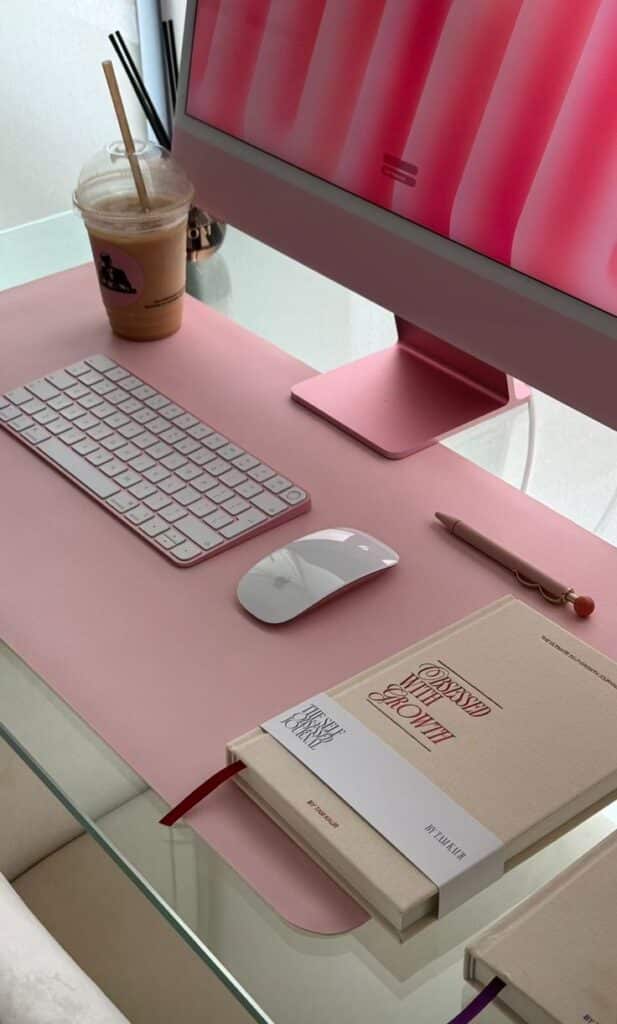
Modern pink workspace with desktop computer, keyboard, mouse, coffee, and notebooks. Perfect setup for creativity and productivity.
Cozy workspace with pink tulips, open laptop, and iced coffee on a white desk. Relaxed vibe with feet in fluffy slippers.
Person sleeping on a laptop in a cozy kitchen setting, with pink flowers and a lit candle nearby. Peaceful and serene atmosphere.

Let’s be real, slouching over a laptop for eight hours a day is a fast track to aches, pains, and long-term health issues. Investing in ergonomics isn’t a luxury; it’s a necessity. Your body is your most valuable asset, and a proper ergonomic setup protects it.

The Right Desk

Forget dining tables or coffee tables. You need a desk that allows you to work comfortably. The ideal desk height should allow your forearms to be parallel to the floor when your elbows are at a 90-degree angle.

  • Fixed-Height Desk: A solid, stable desk is your foundation. Measure your space, consider your storage needs, and choose a size that accommodates your equipment without feeling cramped.
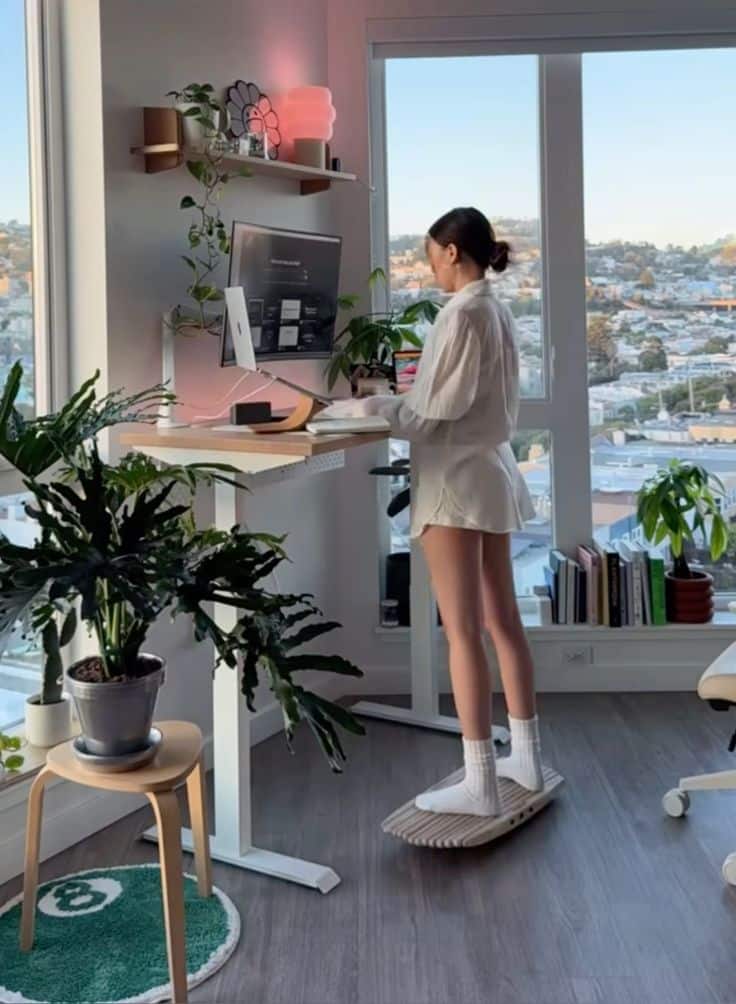
  • Standing Desk: This is a game-changer for many. A sit-stand desk, whether electric or manual, allows you to alternate between sitting and standing throughout the day. This reduces sedentary time, improves circulation, and can even boost energy levels. Experts suggest alternating every 30-60 minutes. Look for one with a sturdy frame and ample surface area.
  • Desk Converter: If a full standing desk isn’t in your budget or space, a desk converter can sit on top of your existing desk, allowing you to raise your monitor and keyboard when you want to stand.

The Ultimate Office Chair

This is arguably the most critical piece of your ergonomic puzzle. A good office chair is an investment in your spine, your posture, and your overall comfort. Don’t skimp here!

  • Adjustability is Key: Look for a chair with multiple adjustment points: seat height, seat depth, lumbar support, armrest height and width, and recline tension. The more customizable, the better.
  • Lumbar Support: Your lower back needs love. A good chair will have adjustable lumbar support that cradles the natural curve of your spine, preventing slouching.
  • Breathable Material: Mesh or other breathable fabrics help keep you cool and comfortable during long stretches of work.
  • Wheels and Swivel: These seem basic, but they’re essential for moving around your workspace effortlessly without straining.

Take the time to test chairs if possible. Sit in them for a while. Adjust everything. Your body will tell you what feels right.

Monitor Placement and Ergonomic Accessories

Once you have your desk and chair sorted, fine-tune the rest of your setup for optimal comfort.
  • Monitor Height and Distance: Your monitor should be positioned so the top of the screen is at or slightly below eye level. This prevents neck strain. Aim for an arm’s length distance from your face. If you use multiple monitors, ensure they are positioned symmetrically.
  • Monitor Arm: A monitor arm or riser is fantastic for achieving the perfect height and freeing up desk space. Many allow for easy adjustment throughout the day.
  • External Keyboard and Mouse: Even if you have a laptop, using an external keyboard and mouse is crucial for maintaining proper posture.
    • Keyboard: Choose an ergonomic keyboard that allows your wrists to stay straight, not bent. Mechanical keyboards offer tactile feedback that many find enjoyable for typing.
    • Mouse: An ergonomic mouse, vertical mouse, or trackball mouse can significantly reduce strain on your wrist and hand. Experiment to find what feels most natural.
  • Laptop Stand: If you primarily use a laptop, a stand is non-negotiable. It raises your screen to eye level, allowing you to use an external keyboard and mouse comfortably.
  • Footrest: If your feet don’t sit flat on the floor when your chair is at the correct height, a footrest can provide support and improve circulation.

Tech Powerhouse: Tools for Seamless Work

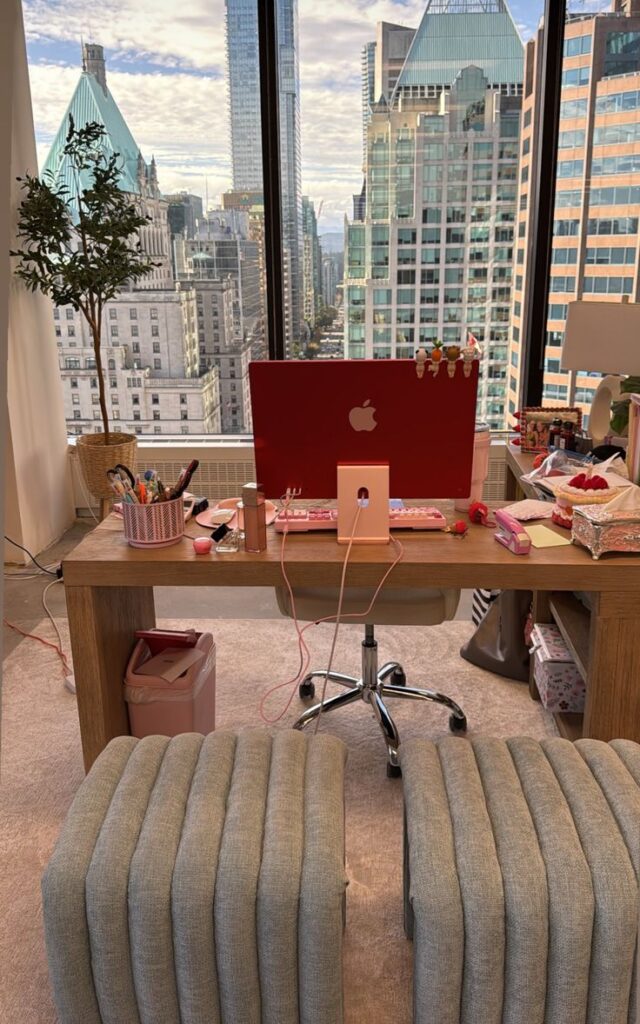
Colorful desk setup with a red computer, stationery, and a city view from high-rise office windows. Cozy and creative workspace.
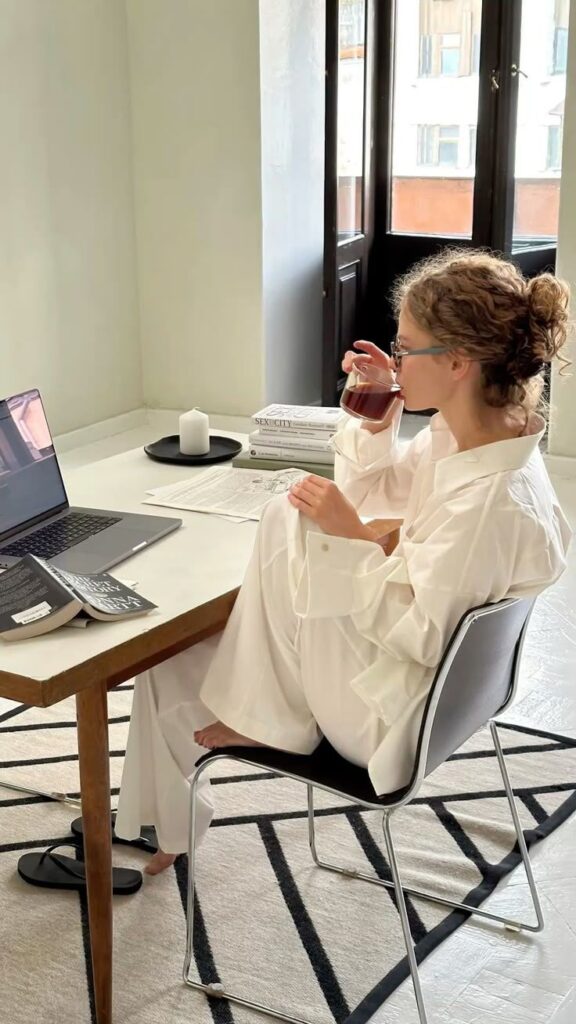
Young woman in white attire drinking coffee while working on a laptop at home office; books and candle on the desk. Cozy workspace.
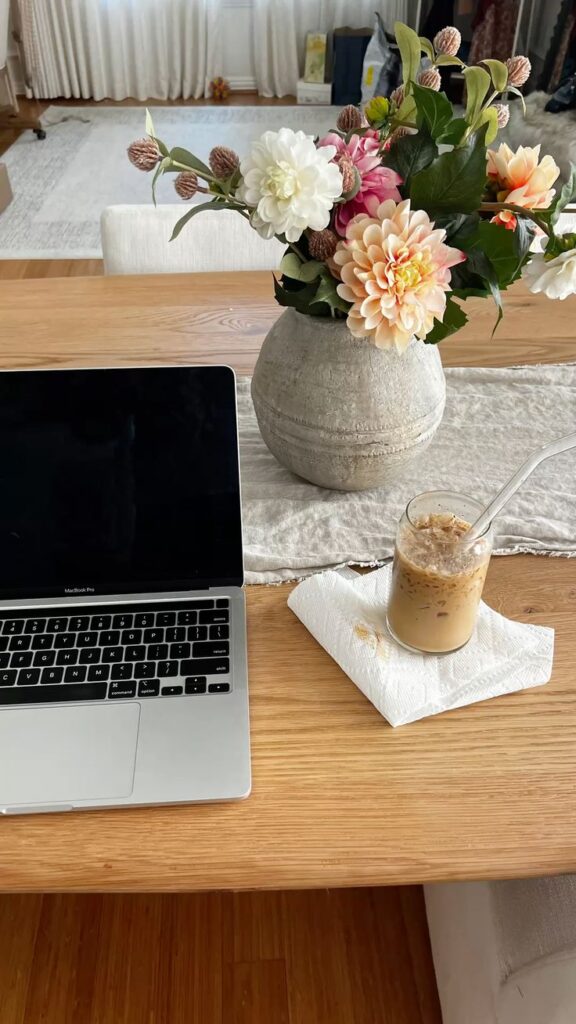
Laptop on wooden desk with iced coffee and floral centerpiece, creating a cozy and productive workspace ambiance.

A great setup isn’t just about comfort; it’s about efficiency. The right technology can make or break your remote work experience.

Reliable Computer and Peripherals

Your computer is the heart of your operation. It needs to be powerful enough to handle your daily tasks without lag or frustration.

  • Laptop or Desktop: Choose based on your portability needs. Laptops offer flexibility; desktops often provide more power and upgrade options.
  • Processing Power: Ensure your processor (CPU) and RAM (memory) are sufficient for your software and multitasking habits. Aim for at least 8GB of RAM, but 16GB is ideal for most professionals.
  • Storage: Solid-state drives (SSDs) are much faster than traditional hard drives (HDDs). Get an SSD for your operating system and frequently used programs.
  • Multiple Monitors: For many roles, a second (or even third) monitor is a productivity booster. It allows you to spread out your work, reference documents, and multitask with ease.

High-Speed Internet

This is non-negotiable. Slow internet is a constant source of stress and can severely hamper your productivity.

  • Reliable Provider: Choose a reputable internet service provider (ISP) in your area.
  • Speed: Aim for at least 100 Mbps download and 10-20 Mbps upload for smooth video calls, large file transfers, and general browsing, especially if multiple people are using the internet at home.
  • Router Placement: Place your router in a central location, away from obstructions, for the best Wi-Fi signal.
  • Ethernet Connection: For critical tasks or if your Wi-Fi is unreliable, consider connecting your computer directly to your router with an Ethernet cable. This provides a more stable and faster connection.

Quality Audio and Video Gear

In a world of virtual meetings, how you sound and look is important for clear communication and professional presence.

  • Webcam: While most laptops have built-in webcams, an external 1080p or 4K webcam often offers superior image quality, better low-light performance, and a wider field of view.
  • Microphone: A dedicated external microphone (USB condenser mic or a good headset mic) will dramatically improve your audio quality compared to a laptop’s built-in mic. Clear audio ensures your colleagues hear you without struggle.
  • Headphones/Headset:
    • Noise-Canceling Headphones: Essential for blocking out household distractions (kids, pets, neighbors) and maintaining focus.
    • Comfortable Headset: If you’re on calls frequently, a comfortable headset with a good microphone ensures clear communication and prevents ear fatigue.
  • Speakers: Good external speakers are a nice-to-have for general audio playback, music, or if you prefer not to wear headphones all day.

Software and Cloud Tools

Beyond hardware, the right software keeps your workflow smooth and secure.

  • Productivity Suites: Microsoft 365 or Google Workspace are common for documents, spreadsheets, and presentations.
  • Communication Platforms: Slack, Microsoft Teams, Zoom, or Google Meet are standard for team communication and video conferencing.
  • Project Management Tools: Asana, Trello, Monday.com, or ClickUp help you track tasks and collaborate with your team.
  • Cloud Storage: Google Drive, Dropbox, or OneDrive ensure your files are backed up, accessible from anywhere, and easily shareable.
  • Security Software: Don’t forget antivirus software, a firewall, and a VPN (if required by your company) to protect your data. Staying up-to-date on digital best practices is as important as physical security for your home office. Many resources offer advice on maintaining digital security and enhancing productivity in the remote environment.

Lighting and Ambiance: Setting the Mood for Productivity

Cozy home office setup with candles, laptop, headphones, and window view of city buildings. Relaxed evening ambiance for work.
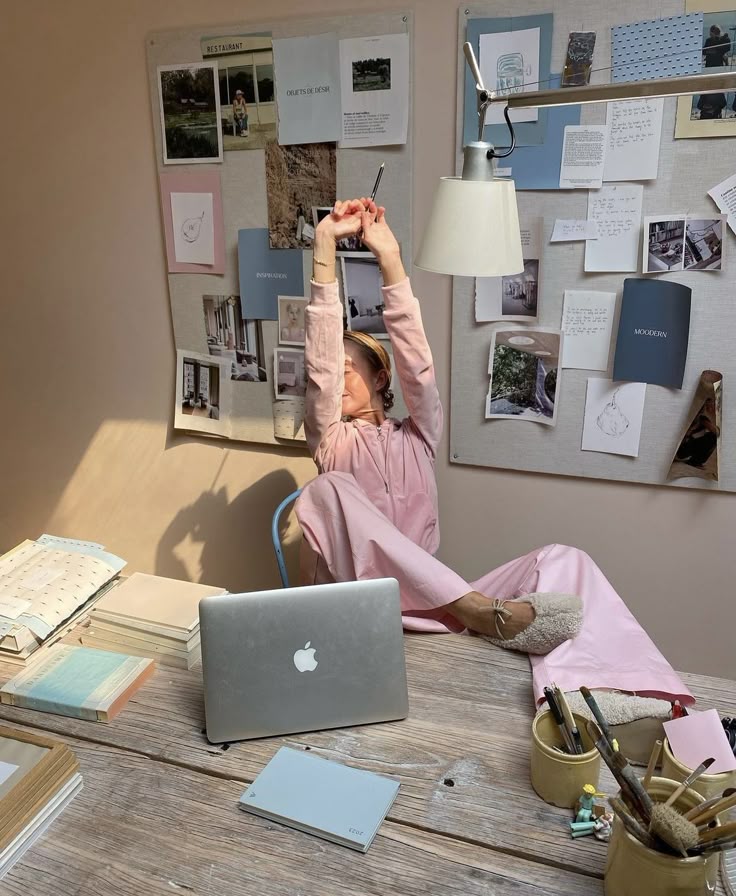
Woman in pink lounging at a desk with a laptop and mood boards in a cozy workspace.
Stylish home office setup with laptop, keyboard, coffee, smoothie, and flowers on a sleek desk. Cozy and productive workspace.

A well-lit and aesthetically pleasing workspace isn’t just about looking good for video calls; it genuinely impacts your mood, energy levels, and even your ability to focus.

Natural Light Is Your Best Friend

Maximize natural light whenever possible. It reduces eye strain, improves mood, and can regulate your circadian rhythm, leading to better sleep.

  • Position Your Desk: Ideally, position your desk near a window. If facing the window, be mindful of glare on your screen. If your back is to the window, you might appear as a silhouette on video calls. A side-on position often works best.
  • Sheer Curtains or Blinds: Control direct sunlight and prevent glare without blocking all natural light.

Task Lighting and Ambient Lighting

Even with ample natural light, you’ll need artificial lighting, especially on cloudy days or evenings.

  • Task Lamp: A good desk lamp is crucial. It provides direct light for specific tasks, reducing eye strain. Look for one with adjustable brightness and color temperature (warm to cool light).
  • Ambient Lighting: Overhead lighting or a floor lamp can provide general illumination for the room, preventing harsh contrasts between your screen and the surrounding environment. Softer, warmer ambient light can create a more inviting atmosphere.

Personal Touches and Decor

Your workspace should feel like yours. Personalizing it can boost creativity and make the space more enjoyable.
  • Plants: Greenery not only adds life and color but also has been shown to improve air quality and reduce stress. A small desk plant or a larger floor plant can make a big difference.
  • Art and Photos: Hang inspiring art or display photos of loved ones. These personal touches can provide small mental breaks and moments of joy.
  • Scent: Consider an essential oil diffuser with uplifting scents like citrus or peppermint, or calming scents like lavender, to influence your mood.
  • Comfort Items: A cozy blanket draped over your chair, a comfortable cushion, or even a soft rug underfoot can make your space more inviting. These elements are not just decorative; they contribute to the overall style and comfort of your workspace.

Organization and Decluttering: A Clear Space, A Clear Mind

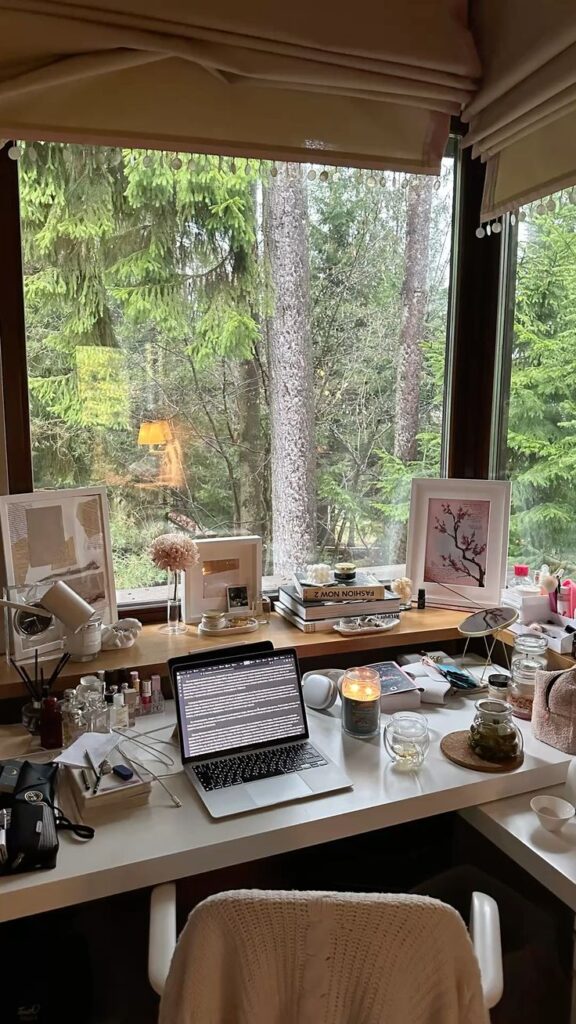
Cozy home office with a laptop, candle, and books by a large window overlooking lush green trees. Perfect workspace inspiration.
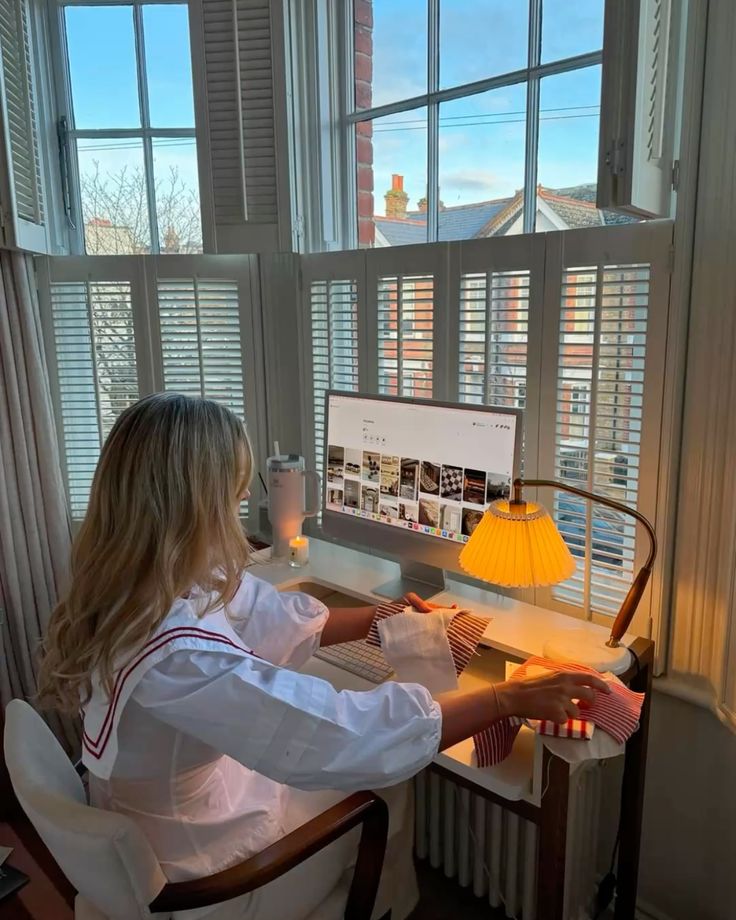
Person in white blouse sewing in cozy room, scenic view outside window, computer and lamp nearby. Ideal work-from-home setup.
Cozy cafe scene with laptop, latte, and notebook by a window overlooking a sunny street. Perfect for work and relaxation.

Clutter is a notorious productivity killer. A messy desk can lead to a messy mind, making it harder to focus and find what you need. Establishing good organizational habits is essential.

Storage Solutions

Keep your essential items within reach, but neatly put away.

  • Desk Organizers: Trays, pen holders, and small drawers keep pens, notebooks, and other small items tidy.
  • Shelving: Wall-mounted shelves or a small bookcase can hold books, files, and decorative items, freeing up desk space.
  • Filing Cabinets/Drawers: For important documents, a small filing cabinet or a set of drawers keeps papers organized and out of sight.

Cable Management

The dreaded spaghetti monster behind your desk can be an eyesore and a tripping hazard. Taming your cables is a simple yet effective way to clean up your workspace.

  • Cable Ties/Velcro Straps: Bundle cables together.
  • Cable Sleeves: Enclose multiple cables in a single sleeve for a cleaner look.
  • Cable Management Boxes: Hide power strips and excess cable length.
  • Under-Desk Trays: Mount trays under your desk to hold power bricks and power strips.

A tidy desk with minimal visible cables contributes significantly to a professional and calm environment.

The Power of a Daily Tidy-Up

It takes just 5-10 minutes at the end of each workday to reset your space.

  • Put away papers.
  • Wipe down your desk surface.
  • Charge all your devices.
  • Organize your notes.

Starting each new day with a clean, organized workspace sets a positive tone and reduces mental friction.

Beyond the Desk: Cultivating a Healthy Remote Work Lifestyle

Woman working at a standing desk with a balance board, surrounded by plants, in a modern home office with city view.
Woman enjoying a scenic mountain view while working on a laptop, with coffee, tablet, and water bottles on the table.
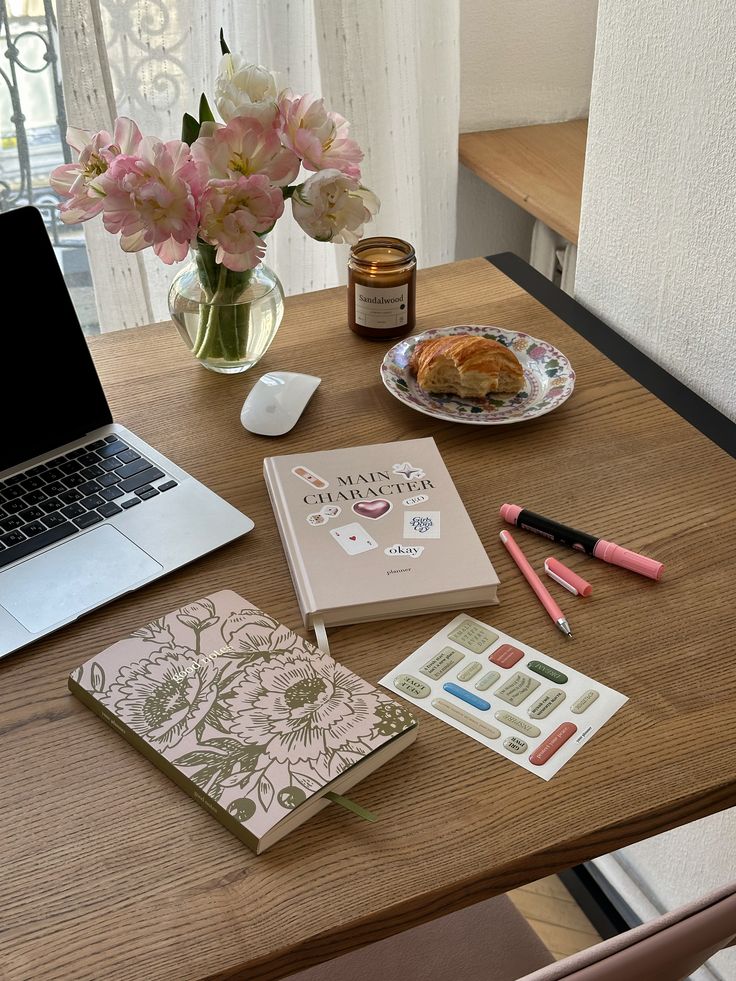
Cozy workspace with laptop, flowers, notebook, planner, and a croissant on a wooden table. Perfect for creative inspiration.

Your work-from-home setup isn’t just about physical objects; it’s about the habits and routines that support your well-being. A great setup is only as effective as the person using it.

Dedicated Workspace Boundaries

It’s easy for work to bleed into every corner of your home when your office is in your home.

  • Physical Boundary: If possible, have a designated room or a specific corner that is only for work. This helps your brain switch into “work mode” when you enter it and “off-duty mode” when you leave.
  • Time Boundary: Establish clear start and end times for your workday. Stick to them. Avoid checking emails late into the evening.
  • Mental Boundary: When your workday is done, close your laptop, turn off your work notifications, and mentally step away. This is crucial for preventing burnout.

Incorporating Movement and Breaks

Sitting for prolonged periods is detrimental to your health. Your ergonomic setup helps, but movement is key.

  • Micro-Breaks: Every hour, stand up, stretch, walk around for a few minutes.
  • Scheduled Breaks: Take a proper lunch break away from your desk. Go for a short walk, prepare a healthy meal, or do something completely unrelated to work.
  • Movement Practices: Consider integrating short yoga sessions, stretching routines, or quick workouts into your day. Even a 15-minute walk can clear your head.

The Importance of a Routine

Routines provide structure and consistency, which can be incredibly beneficial in the flexible world of remote work.

  • Morning Ritual: Start your day with something positive that isn’t work-related: exercise, meditation, reading, or a hearty breakfast.
  • Transition Rituals: Create rituals to signal the start and end of your workday. This could be making a specific coffee to start, or taking a walk to decompress at the end.
  • Regular Schedule: Try to work similar hours each day to maintain consistency with your team and personal life.

Self-Care in Your Daily Grind

Remote work can be isolating and demanding. Prioritizing self-care is non-negotiable for long-term sustainability.

  • Hydration and Nutrition: Keep a water bottle handy and snack on healthy options. Prepare nutritious meals.
  • Mindfulness: Practice mindfulness or meditation to manage stress and improve focus.
  • Social Connection: Make an effort to connect with colleagues and friends, even virtually.
  • Hobbies and Interests: Dedicate time outside of work for hobbies you enjoy. Don’t let work consume your entire life. Reading for pleasure can be a great way to unwind, for instance.

Personalization and Comfort: Making It Yours

Woman in gray activewear stretching by a large window in a sunny home office, with a sign saying Reset & Recharge.

Beyond the core essentials, adding elements that speak to your personal style and comfort can elevate your workspace from functional to truly inspiring. This is where your personality shines through, making your remote work journey more enjoyable and uniquely yours.

Soundscapes and Music

The right auditory environment can significantly impact focus and mood.

  • Noise-Canceling Headphones: We’ve mentioned these for practicality, but they also offer a private sound bubble for your chosen audio.
  • Background Music: Many find instrumental music, classical, lo-fi beats, or ambient soundscapes help them focus. Experiment to find what works for you.
  • Nature Sounds: Apps or websites offering sounds of rain, waves, or forest ambiance can be incredibly calming and help block out distractions.
  • Silence: Don’t underestimate the power of pure silence for deep work. Sometimes, less is more.

Comfort Items

Small touches of comfort can make a big difference in how you feel throughout the day.

  • Cozy Throw Blanket: For cooler days or just to add a layer of warmth and coziness, a soft throw over your chair can be a welcome addition.
  • Ergonomic Cushions: Beyond your chair’s built-in support, specific cushions for lumbar or seat support can offer extra relief.
  • Personal Mug/Water Bottle: Having your favorite mug for coffee or tea, or a stylish water bottle, can be a small daily pleasure.

Reflecting Your Style

Your workspace is an extension of your home, and it should reflect your aesthetic preferences. This makes it a place you genuinely want to be.

  • Color Palette: Choose colors that inspire you or promote calm. Light, neutral colors can create a sense of spaciousness, while pops of vibrant color can add energy. Consider trends like curved furniture or specific decor styles like Southwestern decor to infuse personality.
  • Decor Elements: Beyond plants and art, think about unique decor pieces that resonate with you. Maybe a cool sculpture, a collection of vintage books, or travel mementos.
  • Lighting Fixtures: A stylish desk lamp or a unique floor lamp can serve as both a functional item and a decorative statement.
  • Texture: Incorporate different textures through rugs, cushions, or even the material of your desk or chair to add depth and warmth to the space.

Remember, this is your personal domain. Make it a place that truly motivates and inspires you, reflecting who you are and what makes you feel good.
Budgeting for Your Setup: Smart Investments

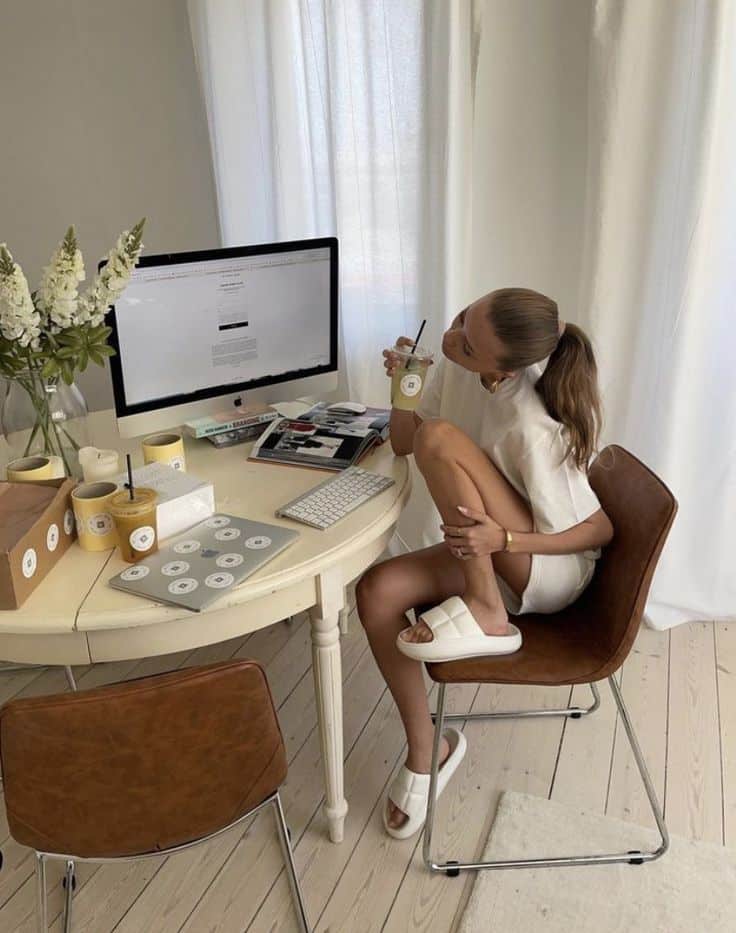
Woman in white outfit sits at a desk with a computer, holding a drink, surrounded by candles and decorations, in a bright room.
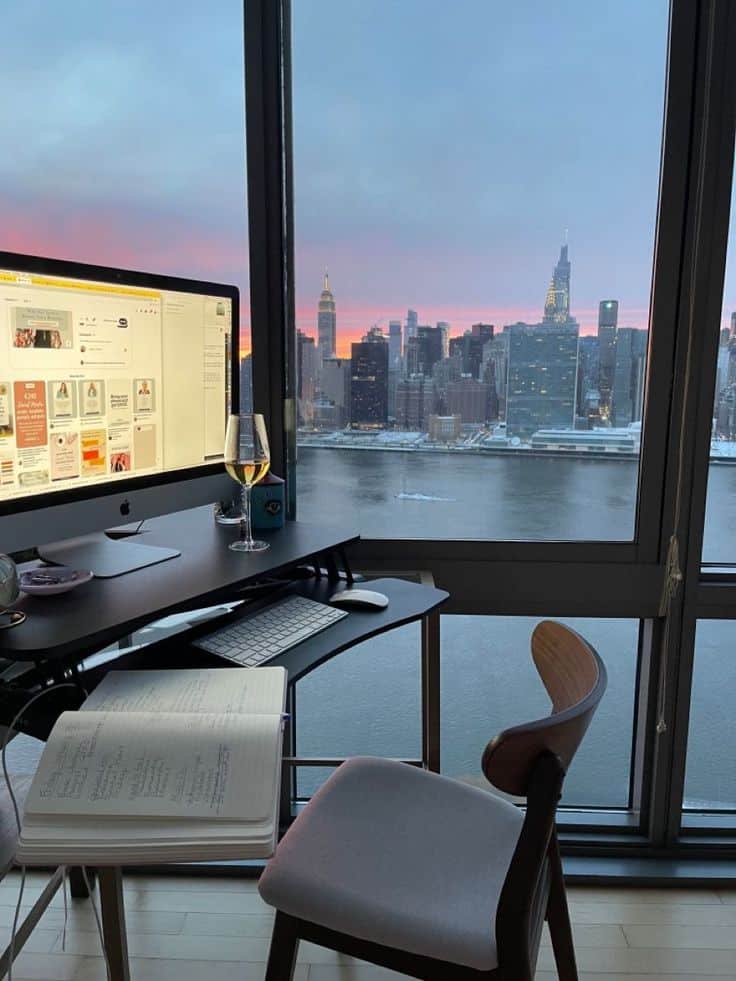
Home office setup with desktop computer, glass of wine, and notepad, overlooking a city skyline at sunset through large windows.
Person working at a desk with multiple devices, in a bright room with a garden view from the window.

Setting up an ideal home office doesn’t have to break the bank. It’s about making smart, informed investments where they count most. Think of it as a marathon, not a sprint.

Prioritizing Your Purchases

Focus on essentials that directly impact your health, comfort, and productivity first.

  • Top Priority: A good ergonomic chair and a reliable computer are foundational. These are where you should allocate the most significant portion of your budget. A bad chair can lead to chronic pain, and a slow computer can cripple your efficiency.
  • Next Tier: Essential accessories like an external keyboard, mouse, monitor, and a quality webcam/microphone setup. These significantly improve comfort and communication quality.
  • Ambiance and Personalization: Once the functional aspects are covered, you can gradually add elements like plants, decor, better lighting, or a standing desk converter. These enhance the experience but aren’t always critical from day one.

DIY and Second-Hand Options

You don’t always need to buy brand new.

  • Second-Hand Market: Check online marketplaces (Craigslist, Facebook Marketplace, eBay) or local office supply liquidators for gently used, high-quality office furniture. You can often find excellent deals on ergonomic chairs or sturdy desks.
  • DIY Solutions: For shelving, desk organizers, or even refurbishing an old desk, consider DIY projects. There are tons of tutorials online for creating functional and stylish pieces. DIY projects can be a cost-effective and rewarding way to personalize your space.
  • Repurpose Existing Items: Look around your home. Can that bookshelf be used for office storage? Can a spare table serve as a temporary desk?

Long-Term Value

Think about the longevity and impact of your purchases.

  • Durability: Invest in items that are built to last. A slightly more expensive ergonomic chair that serves you for a decade is a better value than a cheap one that needs replacing every year.
  • Health Investment: The money spent on ergonomic equipment is an investment in your health, potentially preventing future medical costs and lost productivity due to discomfort.
  • Productivity Boost: A well-equipped and comfortable workspace will make you more productive, which directly impacts your work quality and career success.

Create a spreadsheet to track potential purchases, compare prices, and prioritize. You can always upgrade components over time as your needs evolve and your budget allows.

Conclusion

Man planning home office essentials with budget spreadsheet on laptop, showing cost savings. Whiteboard checklist in background.

Building the ultimate work from home setup essentials guide isn’t just about accumulating stuff; it’s about curating an environment that empowers you to do your best work, day in and day out, while prioritizing your health and well-being. From the foundational ergonomic pieces like your desk and chair to the vital tech, the mood-setting lighting, and the personal touches that make it truly yours, every element plays a role.

Remember, this isn’t a one-and-done project. Your needs might change, technology evolves, and your personal style might shift. Continuously assess your workspace, listen to your body, and don’t be afraid to make adjustments. By intentionally designing your remote work haven, you’re not just creating an office; you’re investing in your productivity, your comfort, and your overall quality of life. So, what are you waiting for? Start leveling up your remote work setup today!

Frequently Asked Questions

Woman gazing at New York City skyline with sunset; view from window capturing iconic buildings and vibrant sky.
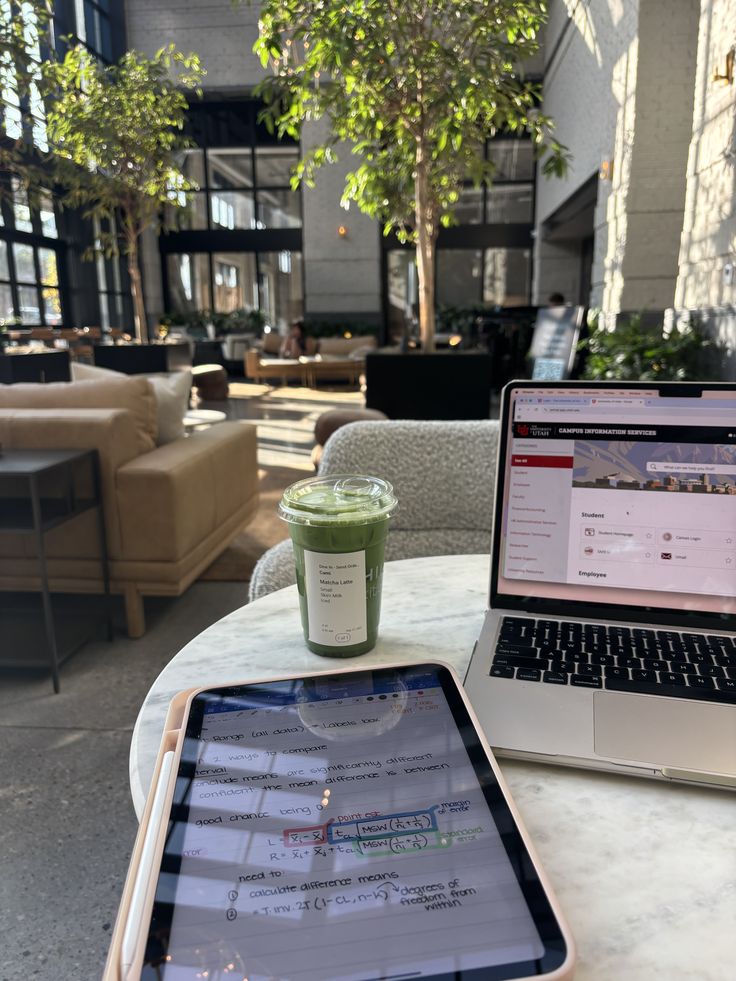
Cozy café work setup with a laptop, tablet, and green matcha drink; bright interior with plants and natural light.
Laptop on desk with skyscraper sunset view, creating a serene home office atmosphere in the city.

What are the absolute must-have items for a basic work-from-home setup?

The absolute must-haves are a reliable computer, stable internet access, and a comfortable, ergonomic chair. These three items form the foundation for productivity and physical well-being.

How can I create an ergonomic setup without spending a lot of money?

Start with your chair; a good ergonomic chair is the most impactful investment. For a desk, use what you have and add a laptop stand and external keyboard/mouse to improve posture. Utilize books or sturdy boxes to raise your monitor to eye level if you can’t afford a monitor arm. Look for second-hand items.

What’s the best way to deal with distractions when working from home?

Establish a dedicated workspace if possible, set clear work hours, use noise-canceling headphones, and communicate your work schedule to household members. Regular breaks and a structured routine can also help manage distractions.

How important is good lighting for a home office?

Good lighting is crucial. Natural light is best for mood and reducing eye strain. Supplement with a task lamp to illuminate your workspace directly and ambient lighting to prevent harsh contrasts, which can cause discomfort and fatigue.

Should I invest in a standing desk?

A standing desk is highly recommended if your budget allows. Alternating between sitting and standing throughout the day can improve circulation, boost energy, reduce back pain, and increase overall comfort and focus. If a full desk isn’t feasible, a desk converter is a good alternative.

How can I maintain a work-life balance when my office is at home?

Set strict boundaries by having a dedicated workspace, establishing clear start and end times for your workday, and developing transition rituals to mentally shift from “work mode” to “home mode.” Prioritizing self-care and taking regular breaks away from your desk are also essential.

What kind of internet speed do I need for working from home?

For most remote professionals, especially those using video conferencing and cloud-based tools, a minimum of 100 Mbps download and 10-20 Mbps upload speed is recommended. If multiple people in your household are using the internet simultaneously, consider even higher speeds for optimal performance.


author avatar
Arina Editor
I'm Arina, writer with a passion for art, teaching, technology, and science. I create engaging blogs and articles, making complex ideas easy and interesting to explore. 01 - December
Previous Article

Lease Like a Pro: Top Rental Agreement Tips for Every Renter

Next Article

Unleash Your Inner Free Spirit: The Ultimate Guide to Boho Home Decor

Write a Comment

Leave a Comment

Your email address will not be published. Required fields are marked *


Handy Home
Discover Handy Home, your ultimate destination for creative home decor ideas, beauty tips, and fun DIY projects